
Construction jobs rarely go exactly according to plan. Crews run into delays, materials arrive late and inspections hold up the next trade. This practical guide shows how to track construction site progress using simple methods any superintendent or project manager can use to stay on schedule and on budget.
Why Is It Important to Track Construction Site Progress
No construction plan or construction schedule holds up perfectly once work starts. It’s built on estimates for labor productivity, delivery timelines and task durations, but those numbers are based on assumptions such as expert opinions and historical data, which, no matter how thorough, still aren’t perfect. Once the job is underway, weather hits, subcontractors fall behind, materials show up short and inspections fail. Small issues stack up fast.
When that gap between the plan and reality starts to widen, delays, rework and unexpected costs follow quickly. If you’re not tracking what’s actually happening on site each day and each week, you won’t see problems until they’ve already affected the planned construction schedule or budget. Regular progress tracking lets project managers compare planned work to completed work, catch delays early, control scope changes and avoid cost overruns that eat into profit or might even cause projects to fail.
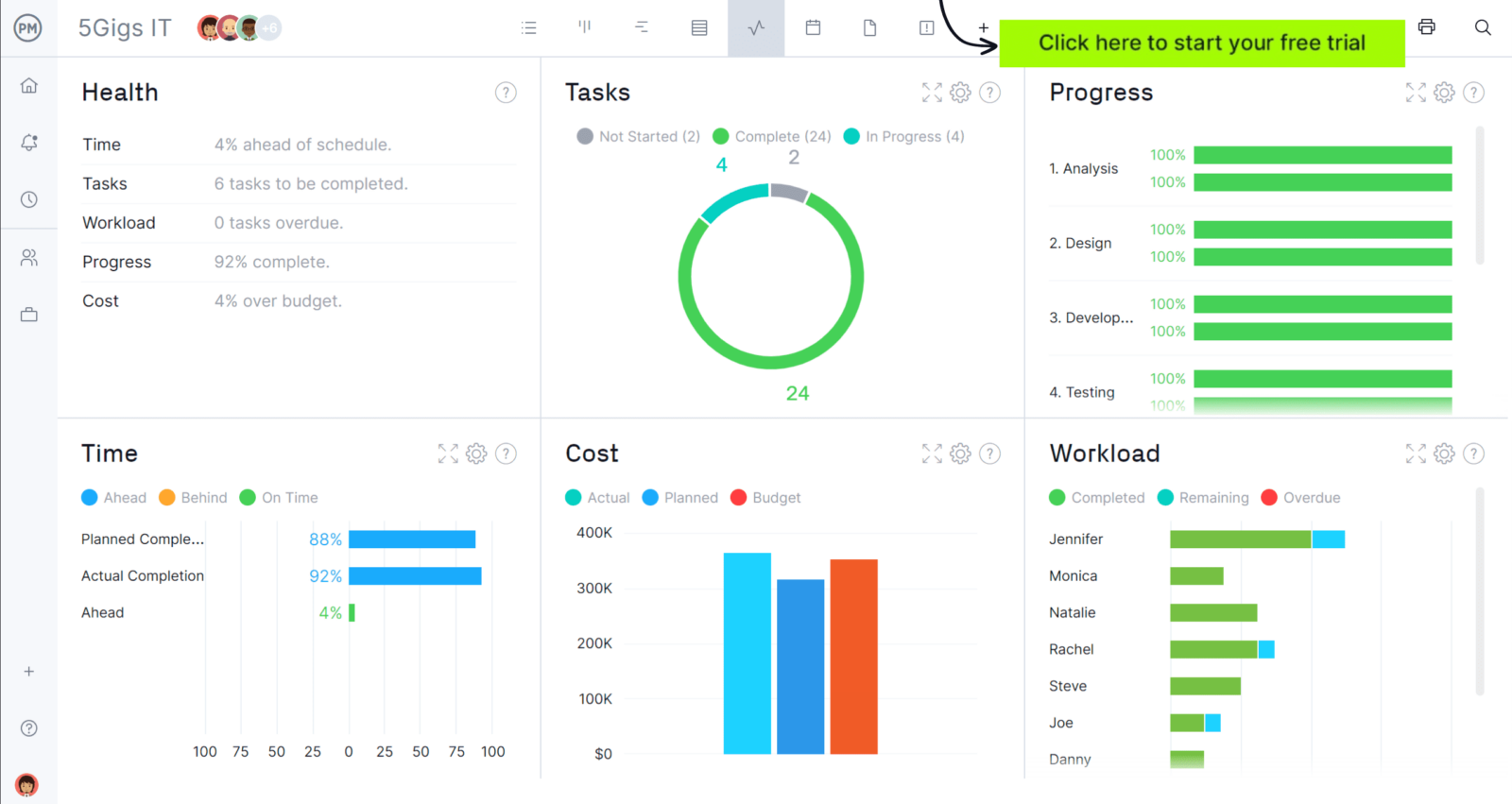
ProjectManager is an award-winning construction project management software designed to create detailed construction schedules, allocate resources, track project costs and compare estimates vs. actual project performance in real-time dashboards and reports to identify delay events, scope creep, and cost overruns before they become a threat to projects. Get started for free today.
Who Is Responsible for Tracking Construction Site Progress?
In most construction projects, the project manager is ultimately accountable for tracking construction site progress. While others contribute updates from the field, the project manager owns the schedule, compares planned work to completed work and decides when corrective action is needed to keep the job on track.
- Superintendent: Monitors daily field activities, confirms completed work quantities and reports delays, sequencing conflicts or crew productivity issues.
- Foremen: Provide task-level updates, track crew output and flag material shortages or field obstacles affecting progress.
- Subcontractors: Submit weekly progress updates, manpower reports and schedule feedback for their specific scopes of work.
- Project engineer: Updates schedule data, maintains documentation and supports progress reporting with field measurements.
- Cost controller: Reviews earned value data, compares progress against budget and highlights potential cost overruns.
1. Establish Baselines for the Construction Project
Construction baselines are the approved reference points that define what the project is supposed to deliver, when the work should be completed and how much it is expected to cost. They typically include a scope baseline, which defines the agreed-upon work and deliverables, a schedule baseline, which sets planned start and finish dates, and a cost baseline, which establishes the approved budget. Once approved, these baselines serve as the official targets against which actual construction performance is measured.
Without clear baselines in place, tracking construction site progress becomes guesswork. The scope baseline defines exactly what work should be happening, the schedule baseline shows when each activity should occur and the cost baseline establishes how much that work should cost. When daily or weekly reports show work falling behind, exceeding budget or drifting beyond the agreed scope, those differences are treated as variances. Identifying those variances early allows project managers to investigate causes, correct issues and protect overall project performance.
2. Create a Construction Daily Report
A construction daily report is a written record of everything that happens on a job site during a single workday. It documents labor hours, equipment usage, materials delivered, weather conditions, inspections, safety incidents and work completed so there is a clear, dated account of daily construction activity.
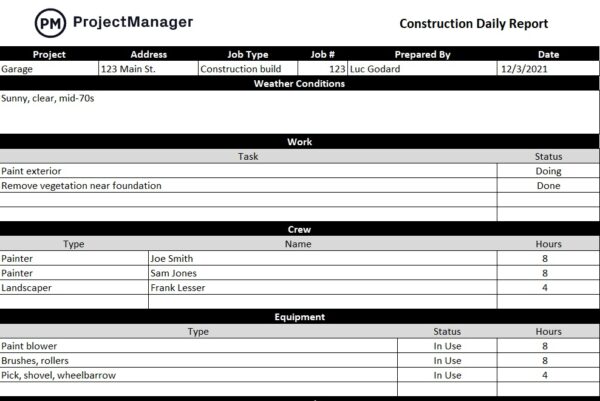
Every meaningful activity on site should be logged in the construction daily report, even if it seems minor at the time. Delays, delivery issues, manpower shortages or inspection failures can later become the root cause of schedule disputes or cost overruns. When reports are detailed and consistent, project managers can trace problems back to specific dates, understand what actually happened and defend decisions if claims or conflicts arise.
3. Use Construction Lookahead Schedules
A construction lookahead schedule is a short-term planning tool that breaks a master construction schedule into smaller, more manageable timeframes, typically covering two to six weeks. It focuses on upcoming activities, sequencing, crew assignments and constraints that must be resolved to keep work moving forward.
Instead of only relying on the full project schedule, a lookahead schedule gives project managers tighter control over near-term work. By narrowing the focus to the next few weeks, they can confirm materials are ordered, subcontractors are ready and inspections are scheduled. This makes it easier to see whether current construction site progress aligns with planned milestones and to adjust quickly when tasks begin to fall behind.
When daily reports document what actually happened and lookahead schedules outline what should happen next, project managers gain a clear feedback loop. Together, they connect real field performance to short-term planning, making construction site progress easier to measure, control and correct before delays spread.
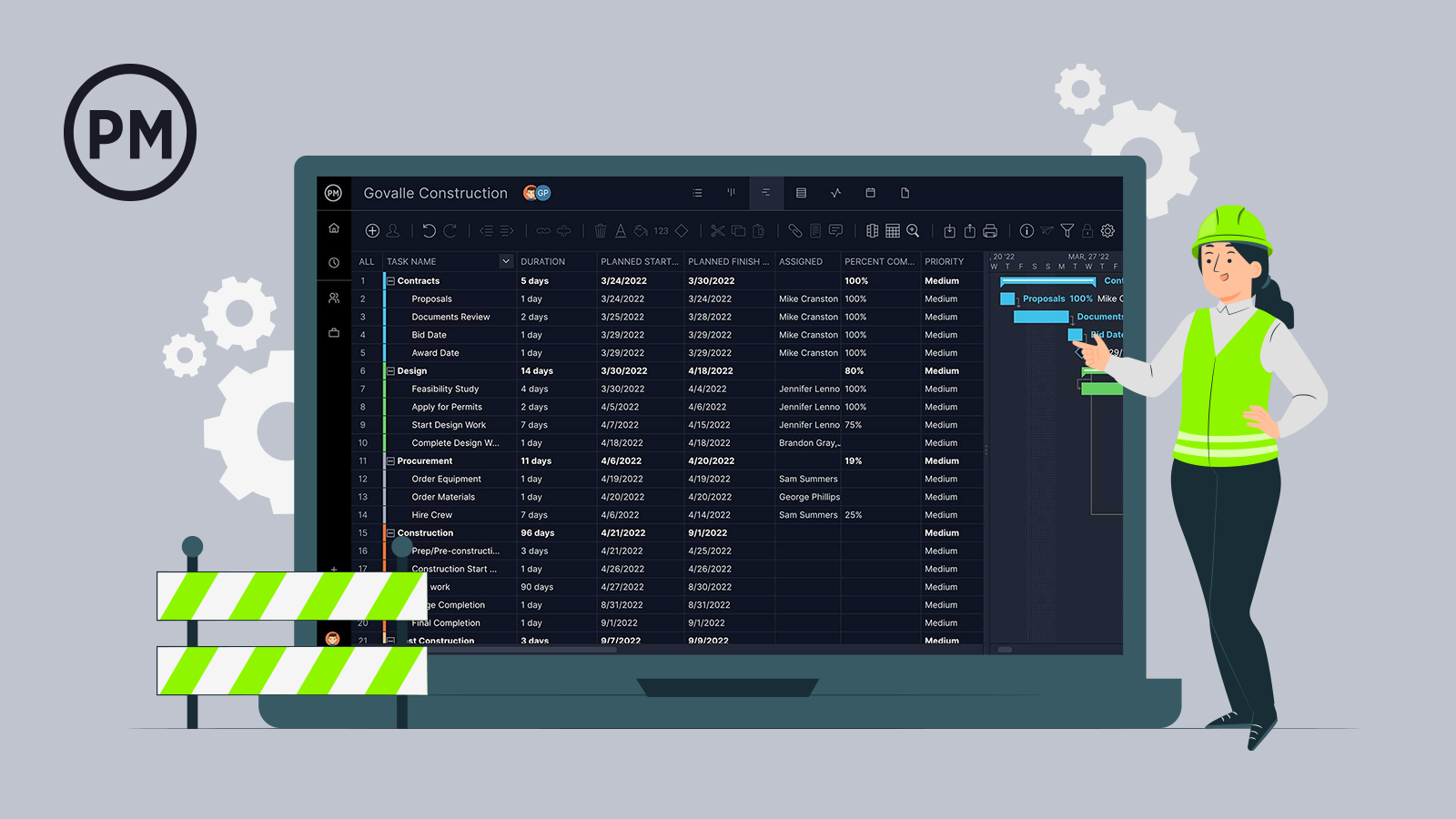
Get your free
Construction Schedule Template
Use this free Construction Schedule Template to manage your projects better.
4. Make Job Cost Reports
Tracking completed work and schedule dates is essential, but construction site progress is not only about time. Financial performance must be monitored just as closely. A project can appear on schedule while quietly losing money, which makes cost tracking a core part of progress control.
A job cost report is a financial document that tracks actual project expenses against the approved budget. It organizes costs by cost codes such as labor, materials, equipment and subcontractors, showing what was budgeted, what has been spent to date and what remains. Many reports also include committed costs and forecasted totals to show projected overruns or savings.
By comparing actual costs to planned costs, a job cost report reveals whether completed work is aligned with the budget. If spending outpaces physical progress, it signals inefficiency, scope growth or productivity problems that require immediate corrective action.
5. Use a Change Log to Monitor Change Orders
A change log in a construction project is a structured record of all proposed, approved and rejected change orders. It documents the description of the change, the reason behind it, cost impact, schedule impact, approval status and responsible parties. The change log provides a centralized reference for tracking how the original contract scope has been modified over time.
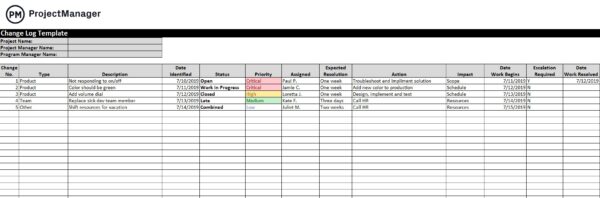
Change orders can extend durations, increase costs and disrupt sequencing if not carefully controlled. Even small scope additions can compound into serious delays. By maintaining a detailed change log, project managers can measure how each approved change affects schedule and budget, keeping construction site progress aligned with updated project targets.
6. Create Periodic Site Inspection Reports
Construction reports are typically treated as accurate records, but successful projects cannot rely on paperwork or assumptions alone. Daily reports, job cost reports and lookahead schedules reflect what teams believe is happening. However, it’s still important to conduct regular site inspections to verify that reported progress matches physical reality and confirm whether work is truly advancing as documented.
A site inspection is a structured review of the construction site to evaluate completed work, safety conditions, quality standards and overall progress. A site inspection report is the written record of those findings, including observations, photos, deficiencies and corrective actions.
These reports provide independent confirmation that scheduled activities are complete, quantities are accurate and quality meets requirements. When tracking construction site progress, inspections prevent discrepancies between reported performance and actual field conditions. This is a best practice that protects both project owners and contractors from any misunderstandings or potential contractual disputes.
Related: 25 Free Excel Construction Templates
7. Compare Planned vs. Actual Field Data
By this stage, the project manager should have daily reports, lookahead schedules, job cost reports, change logs and inspection records in place. Those construction documents provide the data needed to compare estimated timelines, estimated costs and planned scope against the approved scope, schedule and cost baselines.
This side-by-side comparison makes construction site progress measurable, allowing issues to surface early before they grow into schedule delays, budget overruns or uncontrolled scope expansion.
8. Analyze Variances and Take Action
When actual performance differs from the approved scope, schedule or cost baselines, those differences are called variances. A schedule variance means work is ahead or behind plan, a cost variance means spending is off budget and a scope variance means work changed from what was approved.
These variances must be corrected immediately before they expand and threaten overall project performance. Here are some common actions that can be taken to get construction projects back on track.
- Project crashing: Allocate additional labor, equipment or overtime to critical path activities to shorten durations and recover lost time, accepting higher short-term costs to prevent larger schedule impacts and downstream delays.
- Fast tracking: Resequence activities so tasks that were originally planned sequentially are performed in parallel, reducing overall duration but increasing coordination risk and potential rework if activities overlap improperly.
- Resource reallocation: Shift crews, equipment or subcontractors from non-critical activities to delayed critical path tasks to stabilize the schedule without immediately increasing total project labor or equipment costs.
- Scope clarification: Review drawings, specifications and change documentation to eliminate ambiguity, preventing unauthorized work and bringing execution back in line with the approved scope baseline.
- Cost control measures: Negotiate supplier pricing, reduce waste, adjust procurement strategies or substitute equivalent materials to bring spending back within the approved cost baseline.
- Resequencing work: Adjust the order of upcoming activities to work around delays, inspections or material shortages while protecting milestone dates and minimizing idle time on site.
- Productivity improvement: Analyze crew performance, remove field constraints, improve supervision or adjust work methods to increase output and reduce schedule and cost variance.
Free Construction Project Management Templates
We’ve created dozens of free construction project management templates for Excel, Word, Google Sheets and more. Here are some that can help track construction site progress.
Construction Schedule Template
This construction schedule template allows you to use ProjectManager’s Gantt chart to create a construction schedule with dependencies, milestones, resource allocation and cost tracking features.
Construction Budget Template
This free construction budget template allows project managers to estimate the costs of resources such as labor, materials and equipment for each project task. Most importantly, this Excel template automatically calculates the difference between planned and actual costs to understand whether a project is over or under budget.
Construction Scope of Work Template
This free construction scope of work template is ideal for making a thorough list of all the tasks that will be executed in a construction project and other details such as their estimated duration, due dates and resource requirements.
ProjectManager Is Ideal for Tracking Construction Site Progress
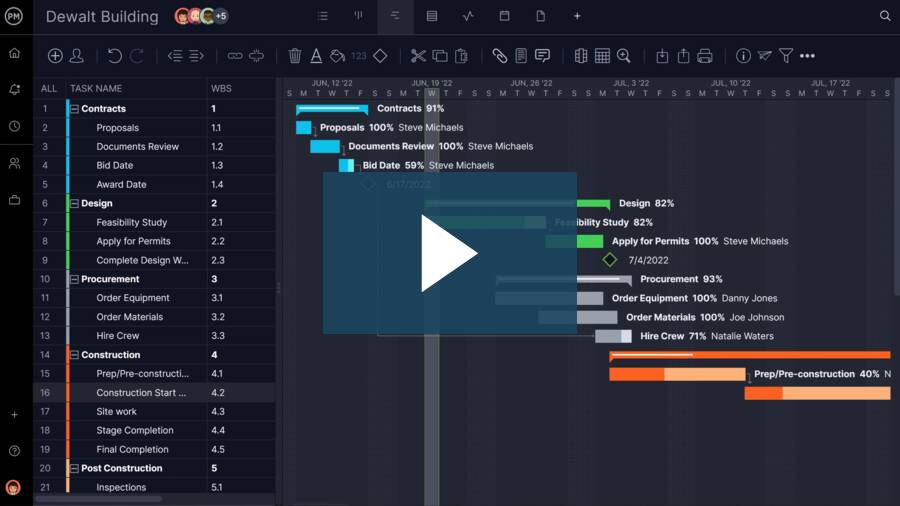
ProjectManager has features such as Gantt charts, workload charts, timesheets and real-time project dashboards and reports, which make it the ideal software for planning how construction site work will be executed, monitoring resource utilization and availability, tracking costs related to jobsite activities and sharing pictures and files from site inspections. Watch the video below to learn more!
Related Construction Project Management Content
Our content library features over 100 construction blogs, templates, ebooks and other types of content to help construction project managers better understand the many moving parts that must be managed to deliver successful construction projects. Here are some of them.