

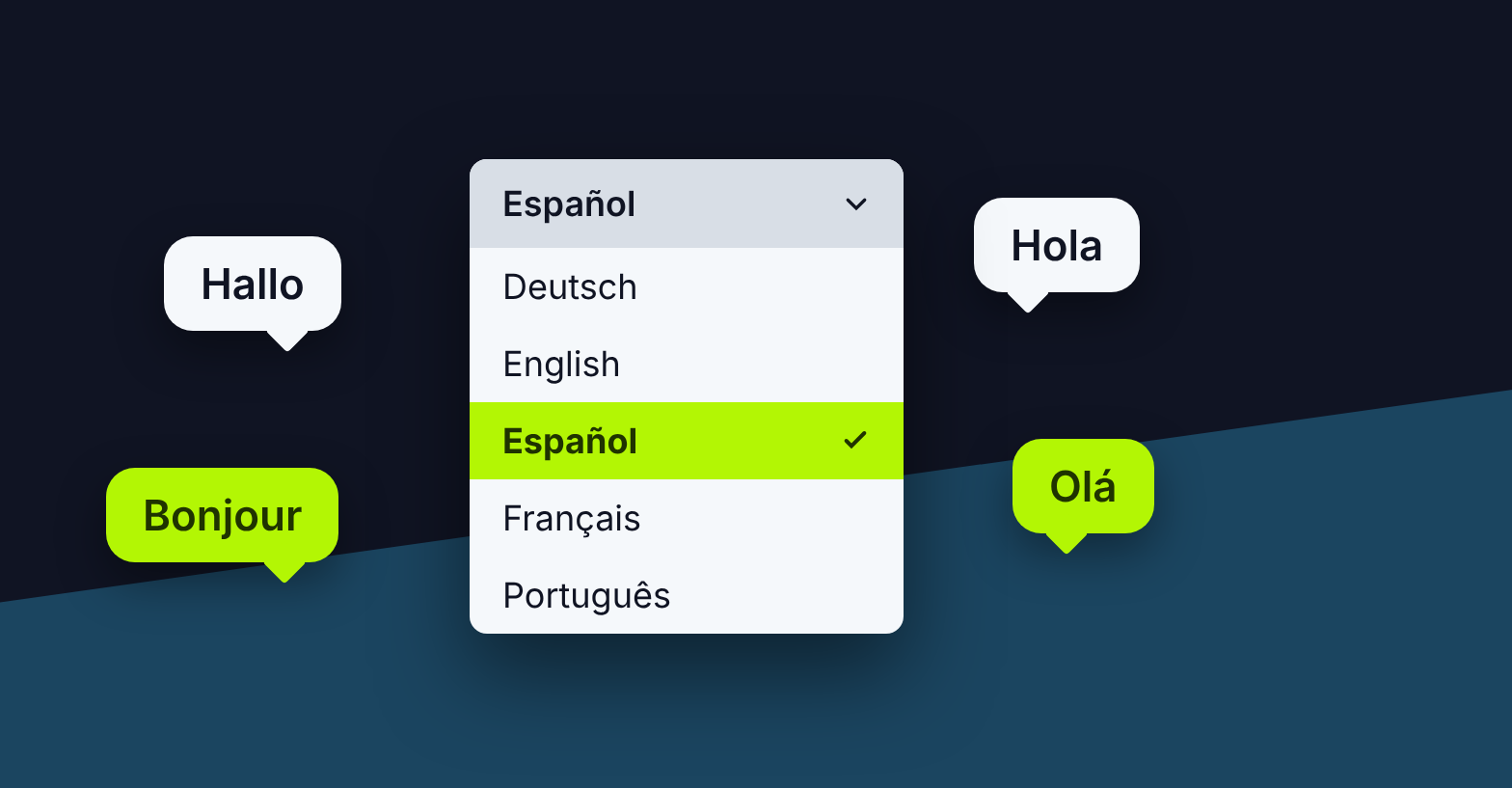
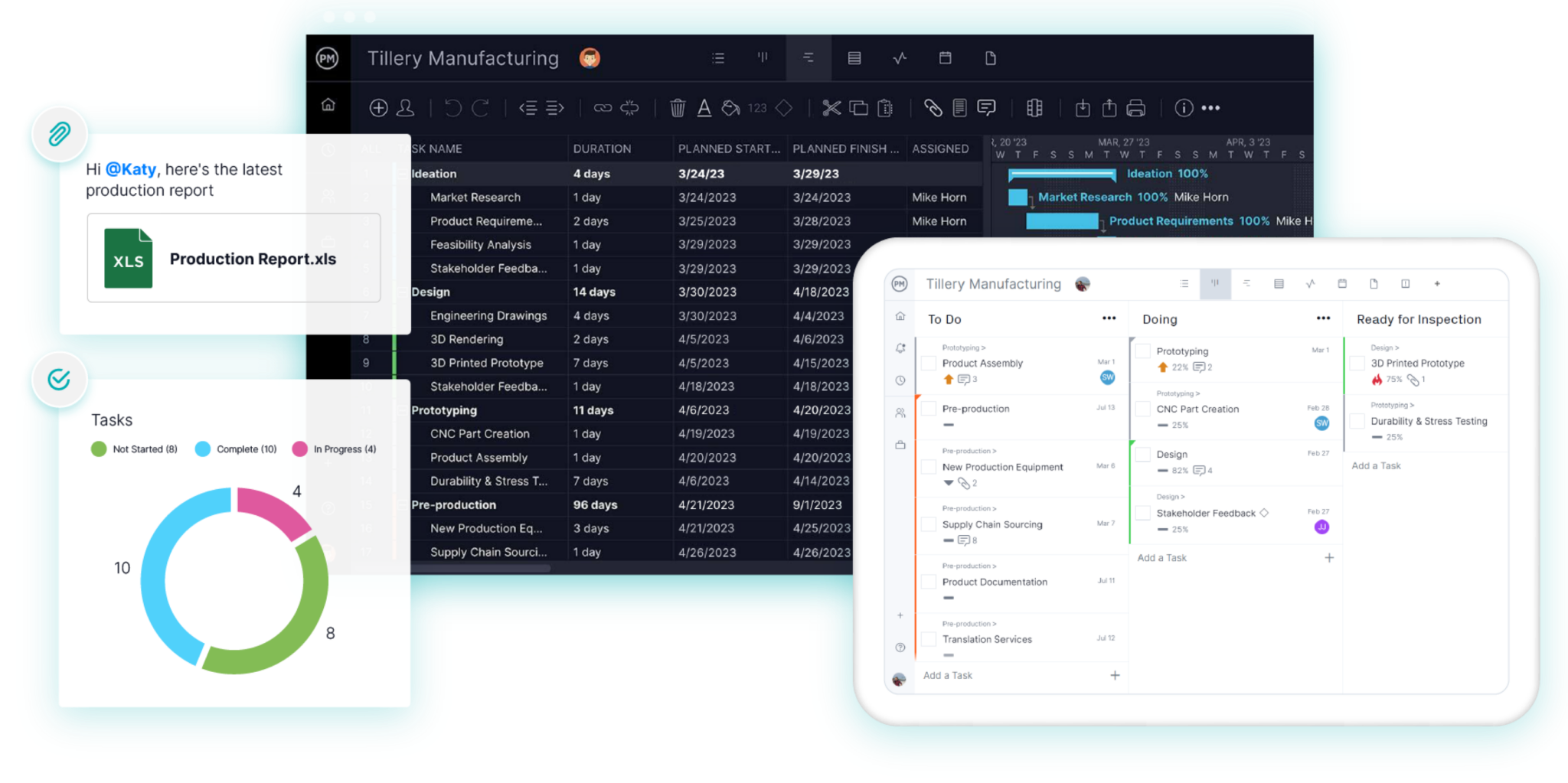
Project teams don’t all work in English, and their software shouldn’t have to either. We’re excited to announce that ProjectManager is now available in Spanish, German, French and Portuguese, so your whole team can plan, schedule and track work in the language they think in.
It’s the next step in serving our global community of project managers. We’ve been bringing our content to more countries for a while, and now the software itself follows. Sign up for a free 30-day trial of ProjectManager, no credit card required.
Our Blog and Templates, Already In Your Language
Our project management blog has helped millions of project managers learn the craft, from Gantt charts and critical path to risk registers and resource planning. We’ve been translating our most popular guides and free templates for readers around the world. Explore the blog in your language:
Each one includes free, downloadable templates in that language. In Spanish, for example, you’ll find risk management templates, project initiation templates and project report examples.
How to Change Your Language in ProjectManager
Switching takes a few seconds:
- Click your profile avatar in the bottom left corner.
- Select My Profile.
- Find the Language dropdown.
- Choose your language.
- Click Done. ProjectManager reloads in your new language.
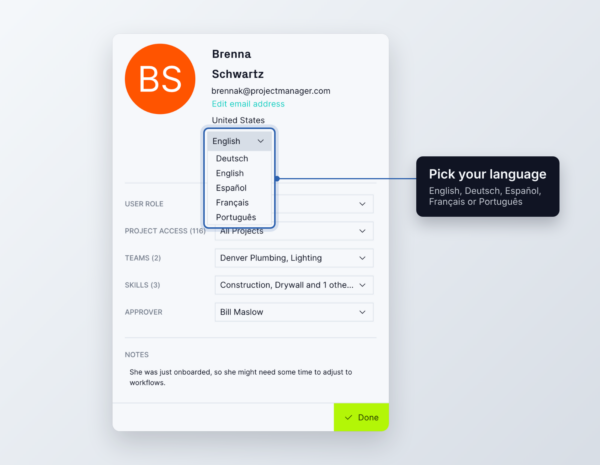
You can switch back at any time. Changing your language doesn’t change anyone else’s view or any project data. Task names, comments and files stay exactly as your team wrote them.
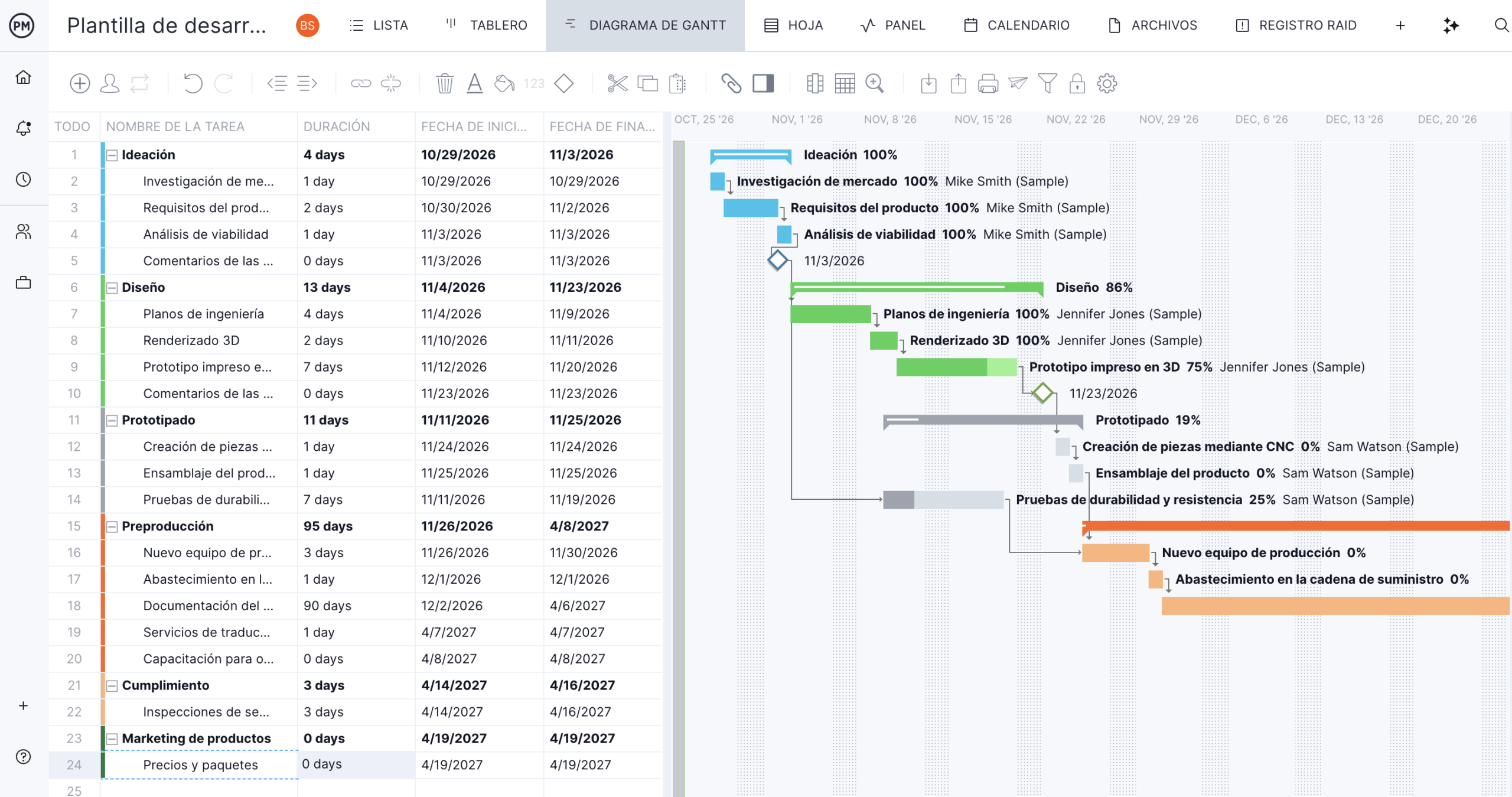
Why Working in Your Own Language Matters
Most project problems are communication problems. When software is in someone’s second language, small misreads add up: a wrong status, a missed dependency, a setting nobody touches because they’re not sure what it does. Working in your own language removes that friction.
Faster Onboarding for New Team Members
New hires and field staff learn the tool faster when every menu and button is in their language. Less training time means your team starts updating the plan in days, not weeks.
Fewer Mistakes on Schedules and Handoffs
Clear labels mean fewer wrong clicks. Team members can update task status, log time and set dependencies with confidence, so the plan stays accurate.
One Shared Plan for Teams Across Countries
A project manager in Mexico City, an engineer in Lyon and a supplier in São Paulo can all work in the same project. Each sees the interface in their own language, while tasks, dates and files stay in sync for everyone.
Easier Rollout Across Regional Offices
Rolling out new software to offices outside your home country is hard when the tool only speaks English. Now regional teams can adopt ProjectManager without waiting on translated guides or extra training sessions.
FAQ
What languages is ProjectManager available in? English, Spanish, German, French and Portuguese.
Does it cost extra to use ProjectManager in another language? No. Language options are included in every plan.
If I change my language, does my team see it too? No. Each person chooses their own language, and project data stays the same for everyone.
Will my tasks and comments be translated? No. ProjectManager translates the interface, like menus, buttons and views. Content your team writes stays as written.
Is the help center available in other languages? Yes. The ProjectManager knowledge base is available in German, Spanish, French and Portuguese from the language menu at the top.
Get Started in Your Language
Whether your team works in English, Spanish, German, French or Portuguese, ProjectManager gives you one place to plan, schedule and track every project. Start your free trial and pick your language in seconds.