



Writing a project plan from scratch takes time. ChatGPT can cut that time down, but only if you know what to ask. To save you the guesswork, we’ve put together 20 free ChatGPT prompts for project planning that you can copy, paste and use right away.
The prompts are organized by planning stage, from defining goals to scheduling, budgeting and managing risk. Just replace the text in [brackets] with your own project details. Then, when your plan is ready, use the ProjectManager ChatGPT integration to turn it into a live project schedule.
Why ChatGPT Can Help You Make a Plan
Most of project planning is structured thinking. You break a goal into deliverables, deliverables into tasks and tasks into a schedule, then figure out what it will cost and what could go wrong. ChatGPT is fast at producing that kind of first draft.
- It gets you past the blank page. A short project description can become a draft scope, work breakdown structure or task list in seconds.
- It catches what you missed. ChatGPT can suggest tasks, stakeholders and risks you might not have thought of.
- It drafts project documents. Charters, communication plans, risk registers and kickoff agendas all start with a structure that ChatGPT can fill in.
- It helps you plan for what-ifs. Ask how a delay or budget cut changes the plan and use the answer as a starting point for contingency planning.
ChatGPT still needs your judgment. Check its estimates against your team’s experience, and don’t paste in confidential details without checking your account’s data settings first.
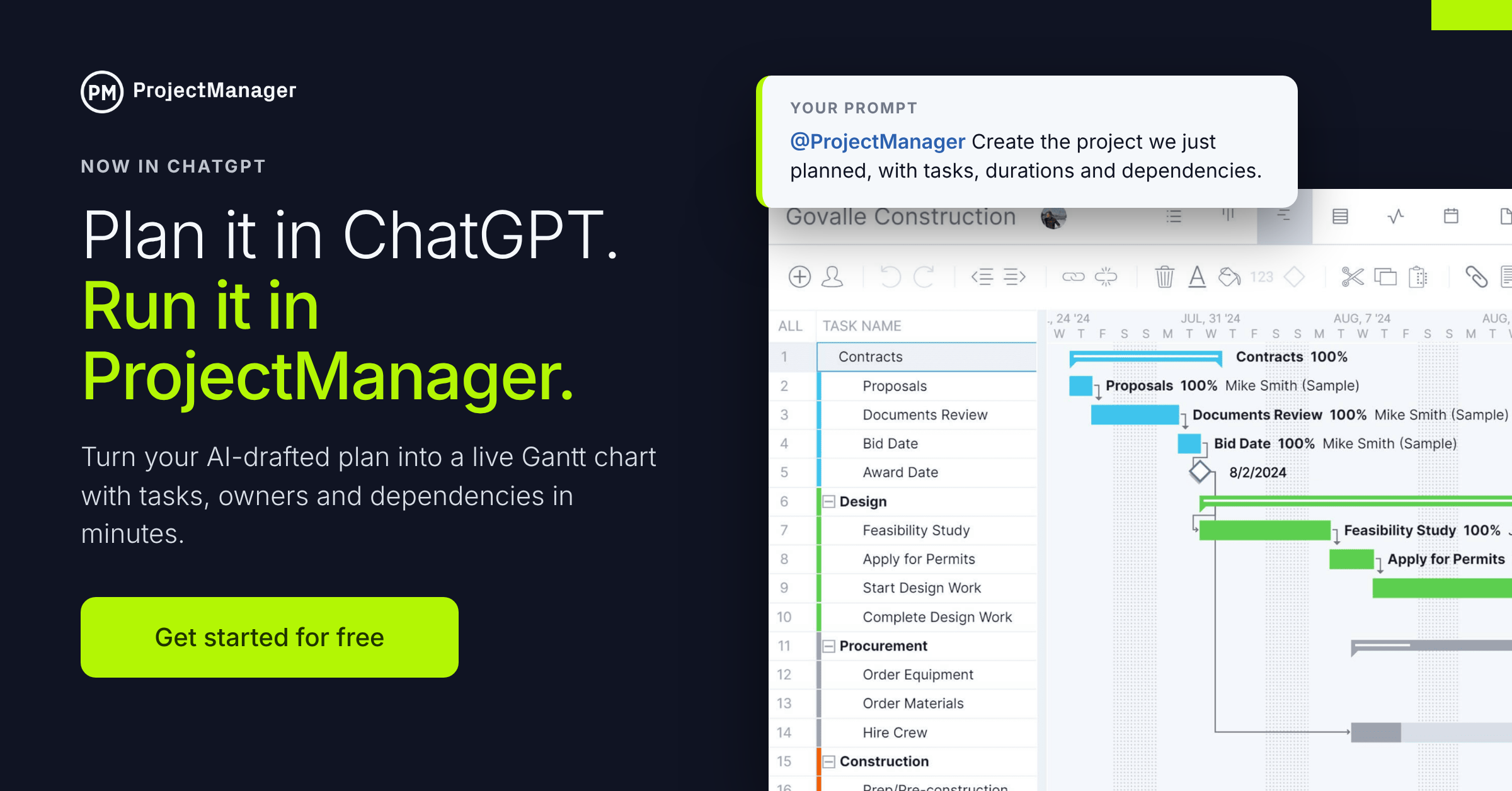
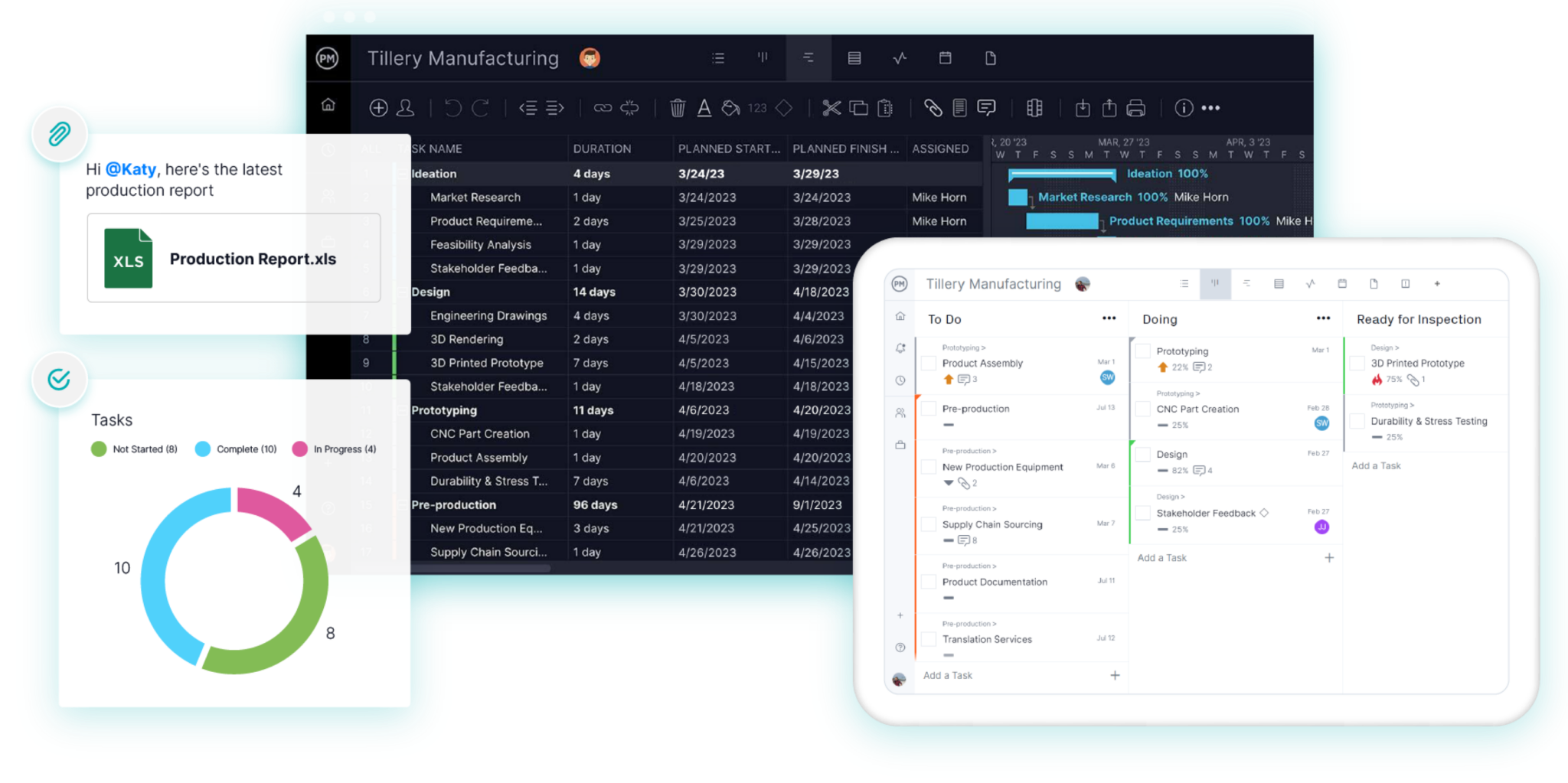
A plan in a chat window also isn’t something your team can work from. With the ProjectManager ChatGPT integration, you can send your plan straight into ProjectManager as a project with tasks, assignees, dates and dependencies, then track it on Gantt charts, kanban boards and real-time dashboards. The integration is included at no extra cost on every ProjectManager plan. Get started with ProjectManager for free today.
Tips for a Good ChatGPT Prompt for Project Planning
The prompts below work well on their own, but a few habits will get you even better results.
- Give it a role. Start with “Act as an experienced [industry] project manager” so the answer uses the right terms and level of detail.
- Share the project details first. Include the goal, deadline, budget, team and constraints. The more context ChatGPT has, the less you’ll need to fix later.
- Ask for a specific format. Request a table, numbered list or template so the output is easy to copy into your plan.
- Set limits. Cap the number of tasks or risks, and state assumptions like a five-day workweek.
- Let it ask questions. End with “Ask me any questions you need before you answer” to fill gaps up front.
- Keep one project per chat. ChatGPT uses earlier messages as context, so the prompts below build on each other when you run them in the same conversation.
- Iterate. Treat every answer as a first draft. Ask ChatGPT to add detail, cut items or re-sequence the work.
20 Free ChatGPT Prompts for Project Planning
Copy each prompt, paste it into ChatGPT and replace the text in [brackets] with your own details. Start with prompt 1 so ChatGPT has your project context for the rest.
Getting Started
1. Set up your project brief
“Act as an experienced [industry] project manager. I’m planning [project description]. The goal is [goal], the deadline is [date], the budget is [amount] and the team is [roles and headcount]. Constraints include [constraints]. Don’t create anything yet. Confirm you understand and list any missing information I should provide.”
2. Write a project charter
“Using the project brief, write a one-page project charter with the project purpose, objectives, scope summary, key milestones, budget, stakeholders, project manager authority and success criteria.”
3. Recommend a methodology
“Based on this project, should I use waterfall, agile or a hybrid approach? Explain the pros and cons of each for this specific project and recommend one.”
Goals and Scope
4. Write SMART objectives
“Turn this goal into three to five SMART objectives: [goal]. Include a measurable success metric and target date for each.”
5. Write a scope statement
“Write a project scope statement for [project name]. Include deliverables, acceptance criteria, what’s out of scope, assumptions and constraints.”
6. Define the deliverables
“List every deliverable this project needs to produce. For each one, describe what ‘done’ looks like and who needs to approve it.”
Tasks and Scheduling
7. Build a work breakdown structure
“Create a work breakdown structure for [project name] with three levels: phases, deliverables and tasks. Number each item (1.0, 1.1, 1.1.1) and keep it under [number] tasks.”
8. Estimate task durations
“For each task in the WBS, estimate the duration in working days. Give an optimistic, most likely and pessimistic estimate, and calculate a PERT estimate for each. Present it as a table.”
9. Map task dependencies
“List the dependencies between the tasks in this WBS. For each, name the predecessor task and the dependency type (finish-to-start, start-to-start, finish-to-finish or start-to-finish).”
10. Create a project schedule
“Create a project schedule starting [start date] with a five-day workweek. Include each task’s start date, end date, duration and predecessors. Mark the key milestones and identify the critical path. Avoid [blackout dates or holidays].”
Resources and Budget
11. Plan your resources
“List the people, equipment and materials this project needs. For each, note when it’s needed, for how long and whether it’s internal or needs to be sourced.”
12. Build a RACI chart
“Create a RACI chart for the major deliverables in this project using these roles: [roles]. Present it as a table.”
13. Create a project budget
“Build a project budget template organized by WBS phase. Include labor, materials, equipment, software, travel, fees and a [percentage]% contingency reserve. Use placeholders where I need to add quotes. The total budget is [amount].”
Risks
14. Build a risk register
“Create a risk register for this project with [number] risks. For each, include a description, likelihood (1 to 5), impact (1 to 5), risk score, owner and response strategy (avoid, mitigate, transfer or accept).”
15. Plan for a what-if scenario
“If [risk event, such as a key vendor delivering three weeks late] happens, how would it affect the schedule, budget and critical path? Suggest a contingency plan.”
Stakeholders and Communication
16. Map your stakeholders
“Create a stakeholder register for this project. For each stakeholder, list their role, interest, influence (high, medium or low) and how I should engage them.”
17. Write a communication plan
“Write a communication plan for this project. Include each audience, the information they need, format, frequency, channel and who is responsible for sending it.”
18. Draft a kickoff meeting agenda
“Write a 60-minute kickoff meeting agenda for this project. Include time blocks, topics, who leads each section and the decisions we need to make before the meeting ends.”
Tracking and Execution
19. Choose your project KPIs
“Recommend five to eight KPIs to track this project’s progress, cost and quality. For each, explain how to measure it, how often to review it and what threshold should trigger action.”
20. Turn the plan into a live schedule
“@ProjectManager Create the project we just planned. Organize the work into tasks and subtasks using the WBS, add the durations and dependencies from the schedule and assign each task to the owner in the RACI chart.”
This last prompt uses the ProjectManager ChatGPT integration. Once you connect your ProjectManager account in ChatGPT, it builds your plan as a real project you can manage on Gantt charts, boards, task lists and dashboards. By default, ChatGPT asks for your approval before it creates or changes anything.
Turn your ChatGPT project plan into a schedule your team can work from. Get started with ProjectManager for free today.