Looking for a simple way to organize your tasks, track progress, and stay on top of deadlines? An action plan template for Google Sheets can help. With this easy-to-use, customizable template, you can break down projects into clear steps, assign responsibilities and monitor progress in real time. Whether you’re managing a team project or planning personal goals, this template keeps everything in one place, saving time and keeping your workflow on track.
An action plan template for Google Sheets helps bring structure to ideas by placing tasks, deadlines and responsibilities in a clear sequence. Its online format keeps information accessible, allowing contributors to stay aligned as plans evolve. By organizing work into manageable steps and maintaining visibility across the entire process, it supports smoother coordination and more consistent execution, whether the focus is on operational improvements, strategic goals or everyday initiatives.
Why Use an Action Plan Template for Google Sheets?
Using a Google Sheets layout for action planning creates an organized environment where tasks, timing and responsibilities can be clearly defined. Its collaborative nature ensures that updates appear instantly for everyone involved, reducing confusion and improving coordination. The template’s structured design also brings clarity to each stage of the plan, making it easier to maintain direction, track progress and ensure that every step contributes meaningfully toward the intended outcome.
While this template is helpful, it isn’t as powerful as project management software. ProjectManager makes it seamless to break projects into tasks and subtasks, turning high-level goals into a clear, step-by-step action plan. Use project views like Gantt charts to plan timelines, kanban boards to track workflow and task lists to simplify daily task management. Plus, AI Project Insights generates concise project summaries in just one click, making it easy to determine which tasks are on schedule and which need attention. Get started by taking a free 30-day trial of ProjectManager, no credit card required.
Free Action Plan Template for Google Sheets
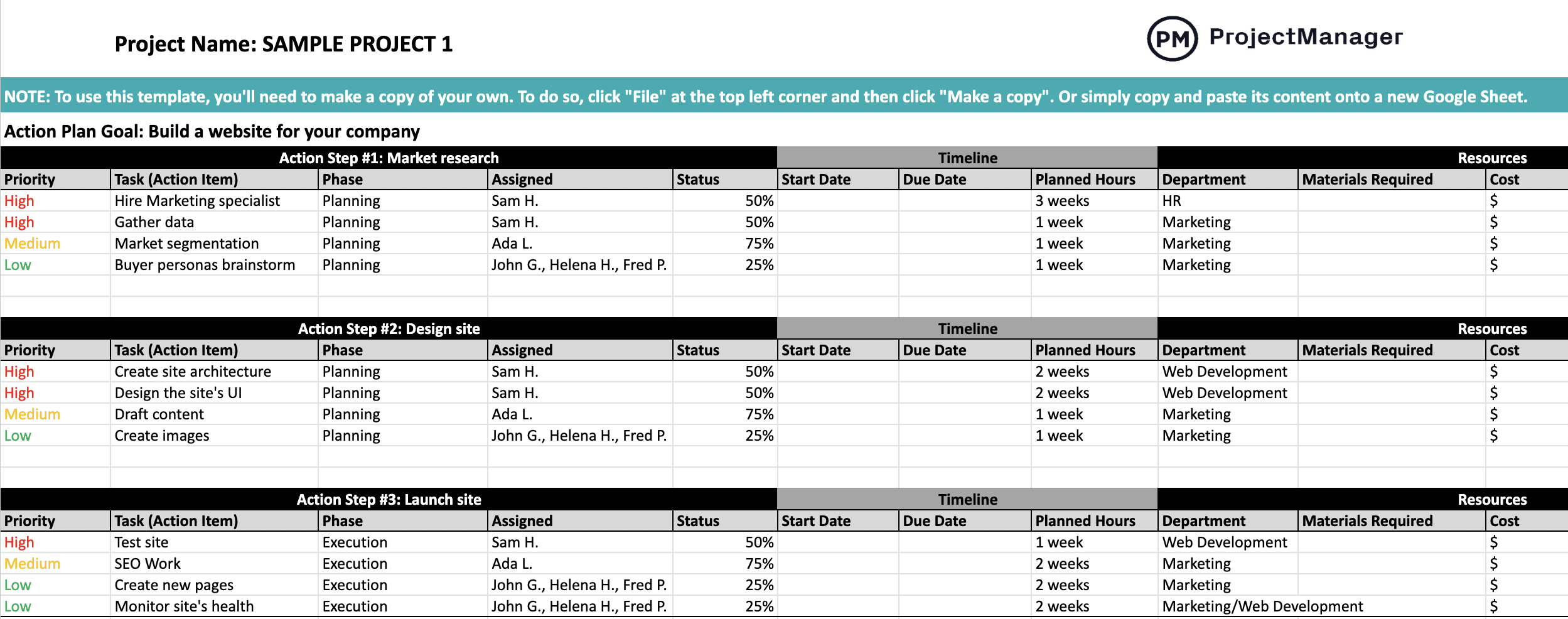
This free action plan template for Google Sheets includes dedicated fields for action steps, action items, timelines, priority levels, resource requirements, costs and progress tracking. Each component is arranged to simplify planning, support visibility and promote accountability throughout the process. The template accommodates a wide range of initiatives, from organized team projects to individual goals, giving users an easy way to prepare, monitor and adjust plans within a single, consistent document.
Simply click on the image below to download the template and make a copy to start editing your own. You can also copy and paste the template content onto a new Google Sheet.
Action Plan Template for Google Sheets: Pros & Cons
A Google Sheets–based action plan brings flexibility and accessibility, but it also presents limitations that can influence effectiveness. Understanding both sides helps determine whether this format aligns with the required level of complexity and visibility. The strengths often appeal to teams seeking simplicity, while the drawbacks become more noticeable as projects grow or demand more dynamic oversight.
Pros of Using an Action Plan Template for Google Sheets
Many teams appreciate this format because spreadsheet tools are already familiar to most people, which reduces the learning curve. Google Sheets also supports real-time editing, allowing several contributors to review or adjust the plan simultaneously. Its structure can be quickly adapted, whether the plan needs additional columns, new priority tags, or updated timelines. This flexibility makes it easy to tailor the template to different planning styles or organizational workflows.
Cons of Using an Action Plan Template for Google Sheets
Despite its convenience, Google Sheets lacks the specialized capabilities found in task and project management platforms. Features such as automated reminders, dynamic workload tracking or integrated progress dashboards are not native to the tool. Because of this, the template requires constant manual updating to reflect changes in status or timing. As a project becomes more demanding, this reliance on manual input can slow down monitoring and introduce inaccuracies.
Related: 32 Must-Have Project Management Templates for Google Sheets
ProjectManager Is Better Than an Action Plan Template for Google Sheets
This Google Sheets action plan template is useful in many situations, but it doesn’t have the full functionality of project management software. ProjectManager makes it even easier to create and manage action plans, providing both structure and flexibility for tracking tasks, deadlines and responsibilities. With five project views that all update in real time, it’s seamless to collaborate on action plans and minimize risk.
Create Simple, Actionable Plans on the List View
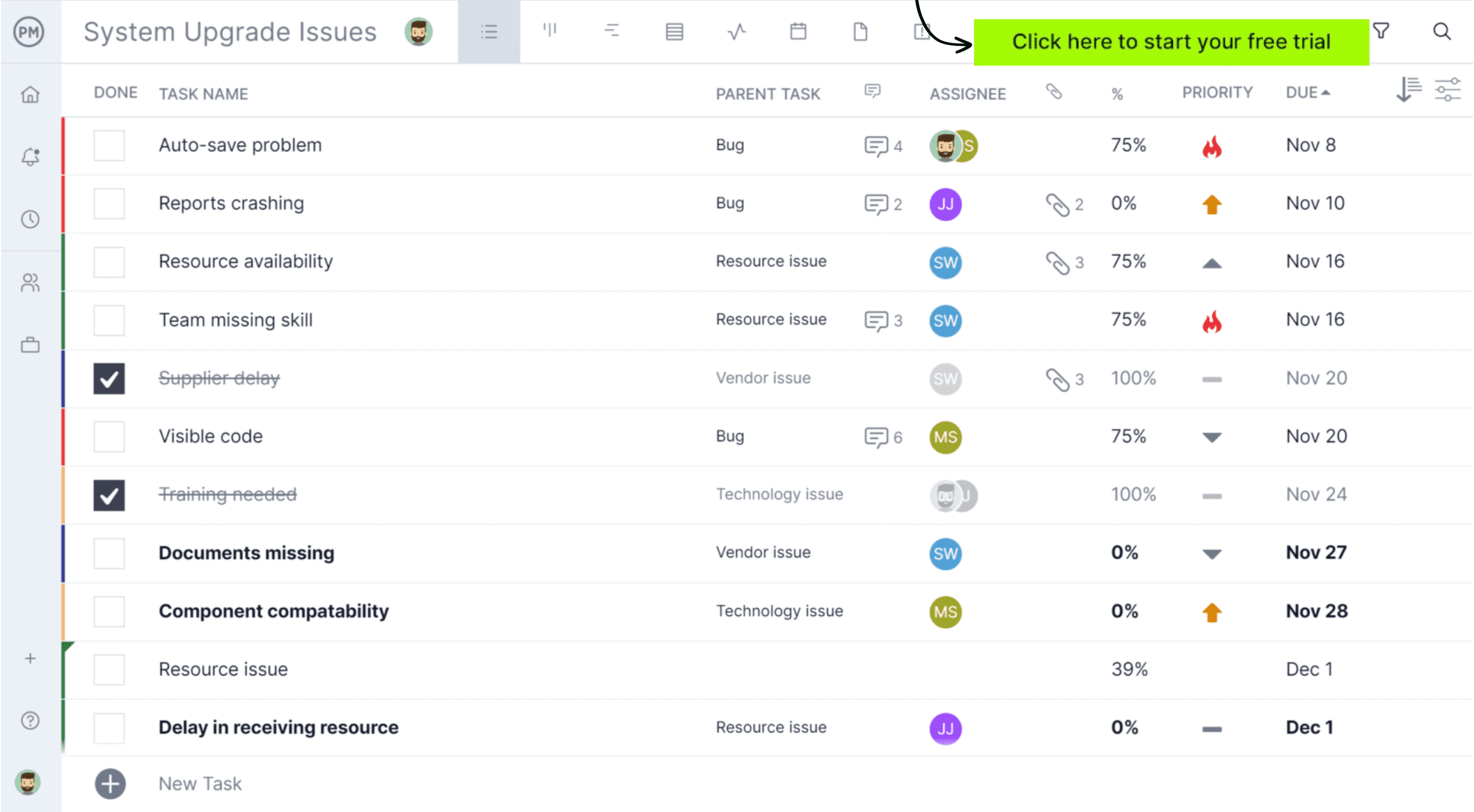
The list view in ProjectManager is the ideal place to create a straightforward and collaborative action plan. More than just a simple checklist, the list view includes task owners, deadlines, priorities, progress tracking, automation and collaboration features. Use it to transform broad plans into a clear, structured list of what needs to get done on each project.
Use Gantt Charts to Visualize the Action Plan
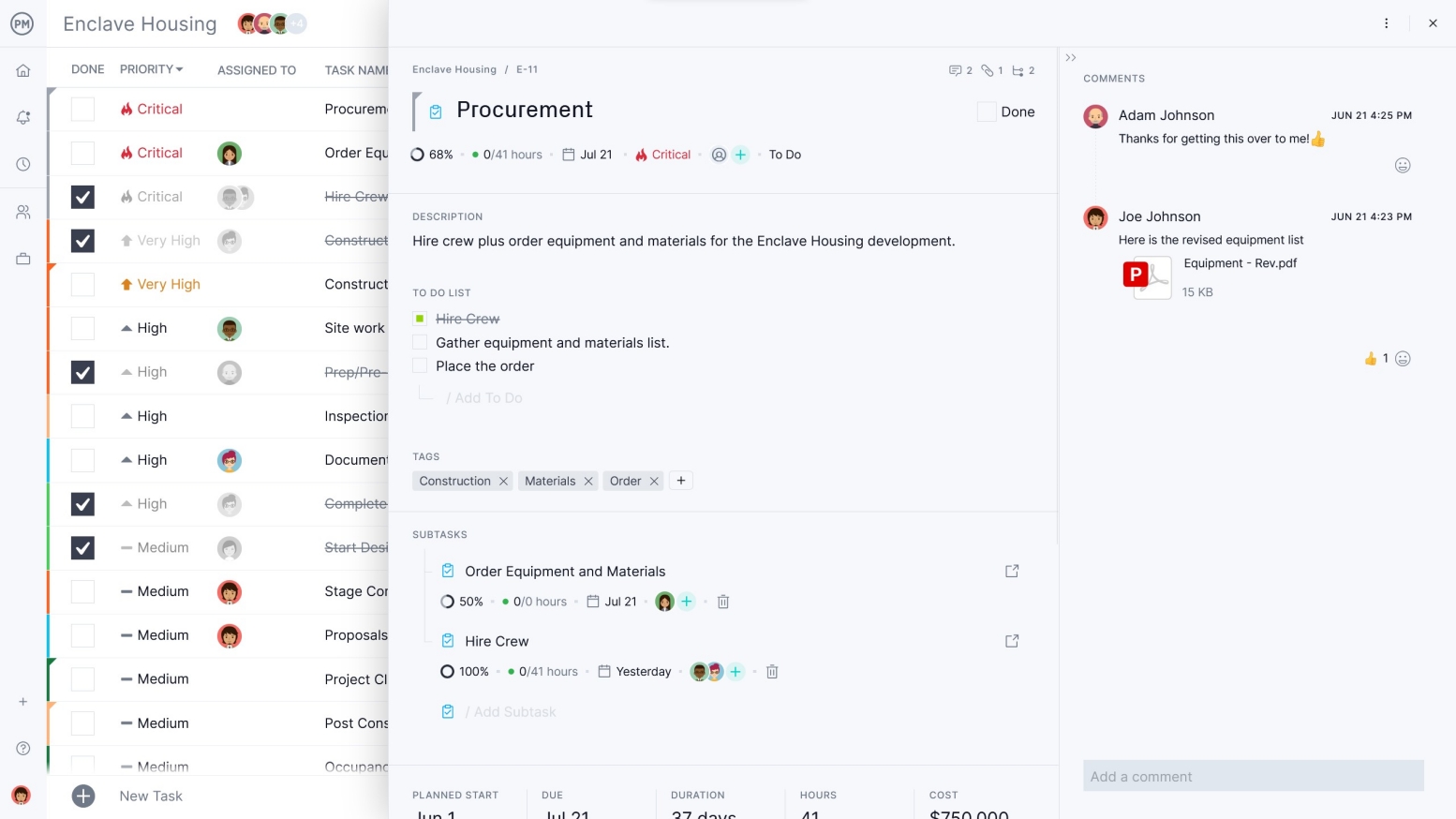
Once the action plan is made, turn it into a visual timeline on the Gantt chart. It shows how everything fits together, when each task starts and ends and how the plan progresses over time. It’s easy to see which tasks happen first, how long each task takes, where tasks overlap and the overall project duration. Then create task dependencies to ensure the correct sequence is followed.

How to Use This Free Action Plan Template for Google Sheets
This action plan template is designed to guide planning in a clear, structured way. Each section helps define what needs to happen and when, making it easier to organize work from the beginning. The steps below outline how to enter information, sequence tasks and establish a realistic timeline for completing the plan.
1. Make a Task List
The first step is to outline every task that belongs in the plan. Each entry should include a task name, an assigned priority level, the person responsible and a percentage of completion to indicate progress. Listing these details at the start creates clarity, helps organize responsibilities and ensures that every component has a defined purpose within the overall plan.

Related: 10 Free Task Management Templates
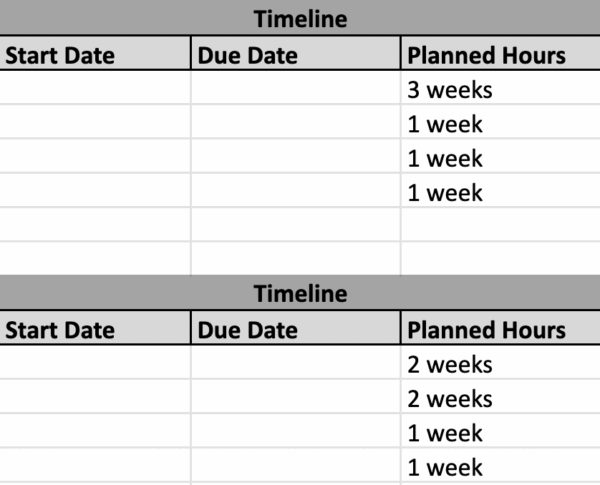
2. Create a Timeline
Once the task list is complete, the next step is to shape the timeline. Estimating the duration of each activity and defining start and end dates establishes a clear sequence for execution. This structure highlights dependencies, prevents overlap and sets realistic expectations for completion. With timing clearly outlined, the plan becomes easier to monitor and adjust as work progresses.
3. Identify Resource Requirements and Estimate Costs
The final step involves determining the resources needed for each task and estimating their associated costs. This may include materials, labor, tools or equipment rentals, depending on the nature of the plan. Detailing these requirements ensures that each activity is supported with the right inputs and helps anticipate budget needs. By documenting costs alongside tasks, the template provides a clearer picture of overall resource demand and financial expectations.

More Project Management Templates for Google Sheets
We’ve created dozens of Google Sheets templates that can help teams plan, schedule and monitor their projects. Here are some of them.
Task Tracker Template for Google Sheets
Teams can stay organized with a structured task tracker that assigns responsibilities, sets priority levels and defines due dates. The template also includes fields for percentage of completion, status updates and notes, giving teams a clear space to log progress and important details as work moves forward.
Timeline Template for Google Sheets
A timeline layout arranged in a Gantt-style format helps users map out tasks, highlight milestones and visualize the overall flow of work. By outlining start and end points for each activity, it becomes easier to understand sequencing, anticipate overlaps and coordinate project timelines effectively.
Budget Template for Google Sheets
For organizations planning yearly expenses, a dedicated budget sheet allows cost estimation for both human and non-human resources. It organizes spending categories, supports more accurate forecasting and provides a clear overview of expected financial needs, making the budgeting process more transparent and manageable.
Related Content
An action plan allows individuals, teams and organizations to achieve their goals, which is why we’ve created a library of blogs, templates and eBooks to help you master this process.
ProjectManager is online project and portfolio management software that connects teams, whether they’re in the office or out in the field. They can share files, comment on tasks and stay updated with email and in-app notifications. Get started with ProjectManager today for free.