When I first looked into selling print-on-demand products through TikTok, I thought it would be a straightforward process. TikTok is booming for ecommerce right now, and Printify is one of the easiest POD platforms to launch with.
But connecting the two? It turns out there are a few hoops to jump through, especially if you’re not based in the US.
In this guide, I’ll walk you through the exact steps I used to set up TikTok Shop with Printify as a US-based seller.
I’ll also share the best workarounds I found if you’re outside the US and still want to sell print-on-demand through TikTok.
Is TikTok Shop with Printify Right for You?
Before diving in, let’s clear one thing up.
Printify’s native TikTok Shop integration is only available for sellers based in the United States.
This also means you can only ship to US customers, and you must use US-based print providers for those products. If you don’t meet those conditions, the native integration won’t work for you.
Here’s a quick checklist to figure out if you’re eligible:
| Requirement | Needed? |
|---|---|
| Based in the United States | Yes |
| Use US-based Printify print providers | Yes |
| Ship to US customers only | Yes |
| Have a US TikTok Shop account | Yes |
If you’re outside the US, skip ahead to the section “If You’re Not in the US” for workaround options. But if you’re eligible, here’s how to get fully set up.
Step 1: Create a TikTok Shop Seller Account (US)
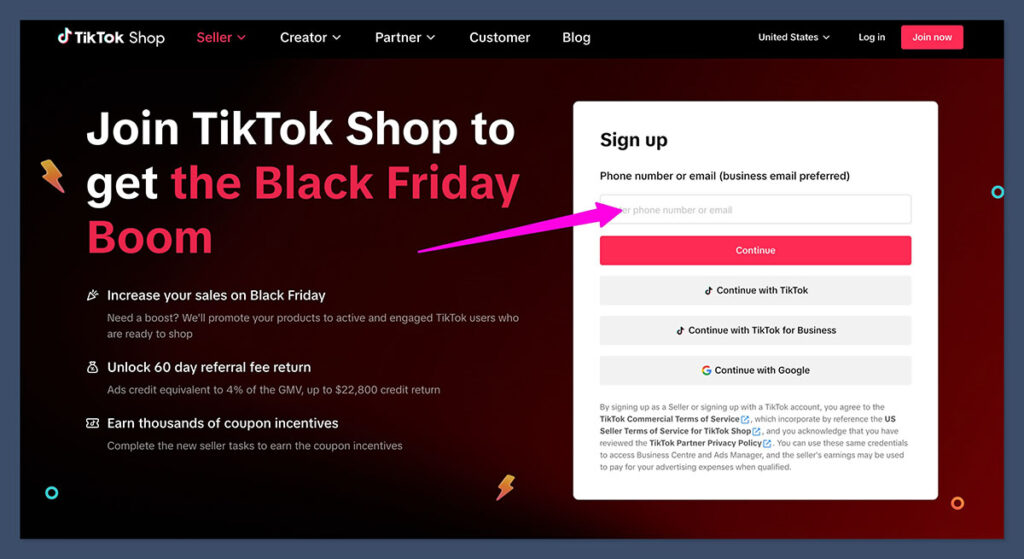
The first step is registering as a seller on TikTok Shop US. Even if you already have a TikTok account, you’ll need to create a separate seller account.
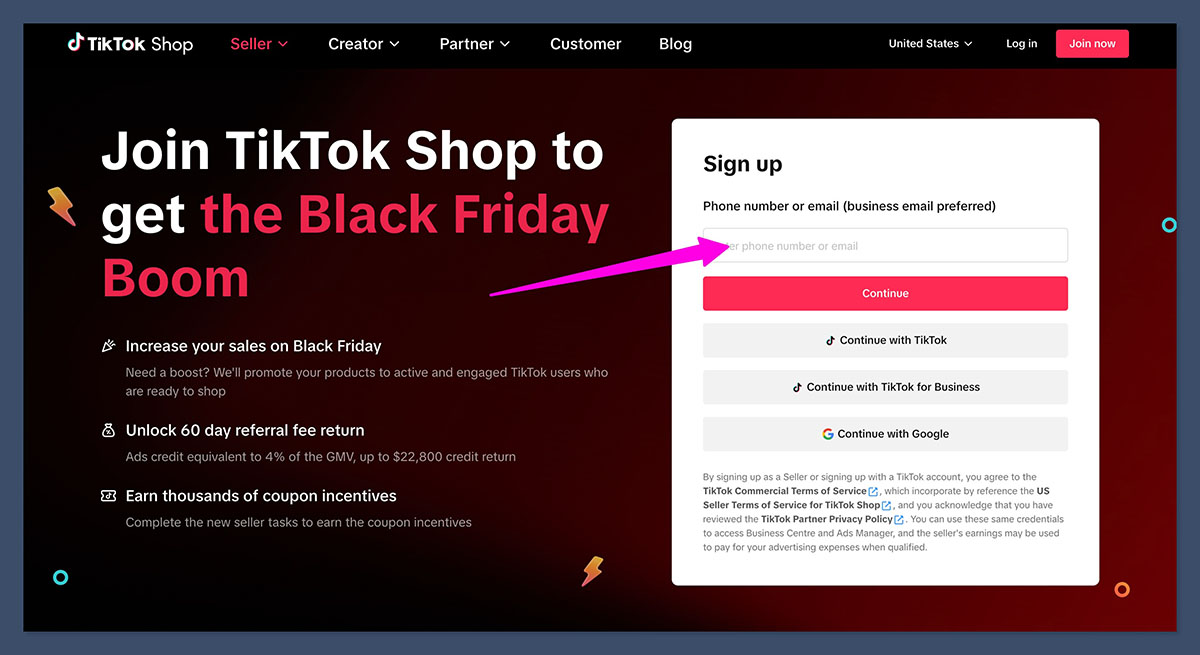
Go to the TikTok Shop Seller Center and sign up. The process is pretty simple, but make sure your details are consistent across your application. TikTok will verify your identity and tax information.
Here’s what you’ll need:
- Government-issued ID (for individuals)
- Taxpayer Identification Number (SSN for individuals or EIN for businesses)
- Business registration documents (if applying as a business)
- Bank account in your name or your business’s name
Key tip:
The name on your bank account must match the name on your seller profile. If it doesn’t, your payments may get delayed or rejected.
Once your account is approved, complete your tax information setup in the Seller Center. This is required to enable product publishing through Printify. Without it, you’ll run into publishing errors later.
Step 2: Connect TikTok Shop to Printify
With your TikTok Shop account ready, it’s time to link it with Printify.
Open your Printify dashboard, then go to Manage My Stores. Click on Add New Store, and select TikTok Shop from the list of integrations.
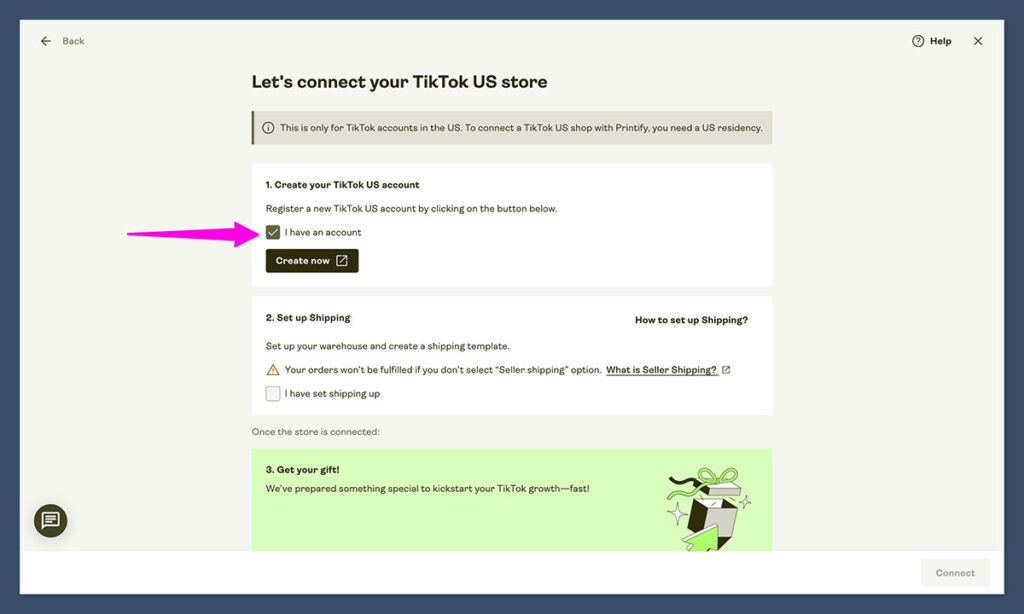
You’ll be prompted to:
- Name your TikTok Shop store (this is the name that appears on shipping labels)
- Authorize the connection by logging into your TikTok Shop account
- Confirm that you are a US-based merchant
Printify will guide you through the process step by step.
Once the connection is made, make sure to double check your store settings. This part is critical: TikTok needs to use Seller Shipping for your store, or your products won’t publish correctly. Many sellers overlook this setting and end up stuck.
Step 3: Configure Shipping Properly (Don’t Skip This)
If there’s one place most people run into trouble, it’s with TikTok’s shipping setup. Printify has very specific instructions on this, and missing a single step can cause all kinds of errors.
A) Add Pickup and Return Warehouses
Inside TikTok Shop Seller Center:
- Go to Orders > Fulfillment Settings > Warehouse Settings
- Add a pickup warehouse and a return warehouse
- Use a US-based address (Printify provides one you can copy)
Make sure the return address is valid and corresponds with Printify’s recommendations. If you don’t enter this info, TikTok may block your listings or prevent shipping labels from generating.
B) Switch TikTok to Seller Shipping
In TikTok Seller Center:
- Go to Orders > Shipping Settings > Delivery Settings
- Select your warehouse
- Change the delivery option to Seller Shipping
TikTok defaults to using its own shipping program, but that won’t work with Printify. You must switch to Seller Shipping or products won’t publish.
C) Create a Shipping Template
Once you activate Seller Shipping, TikTok will prompt you to create a shipping template.
You can set up your shipping in two ways:
| Shipping Option | Description |
|---|---|
| Free Shipping | Add shipping cost into your product price. Encourages higher conversions. |
| Quantity-Based | Set a price for the first item and a lower fee for additional units. |
If you’re selling mostly T-shirts or similar low-weight items, the quantity-based option usually works best. But if you want the “Free Shipping” badge on your listings, you’ll need to bake the shipping cost into your pricing.
D) Match the Correct Warehouse When Publishing
When you publish a product to TikTok Shop from Printify, make sure to select the correct warehouse you configured above. If you accidentally pick one that doesn’t have Seller Shipping enabled, your product will fail to publish.
Step 4: Create and Publish Your Products
With the backend set up, you’re ready to start designing products and sending them to your TikTok Shop.
Inside Printify:
- Use Product Creator to design your product
- Choose a US-based print provider
- Set your retail price, making sure it covers product cost, Printify’s fulfillment fee, and shipping (if not offering free shipping)
- Click Publish to TikTok Shop
Once the product is published, log into TikTok Shop Seller Center to review the listing. TikTok requires several product attributes for compliance. Make sure your title, description, category, and images meet their standards.
If anything’s missing or flagged, you’ll see an alert in your dashboard.
Step 5: Do a Real Test Order and Refine the Process
Even if everything looks fine, I always recommend placing a real test order before promoting your store.
This lets you:
- Confirm that your shipping template works
- Check how the order flows from TikTok to Printify
- Review the shipping speed and customer experience
It’s also a good idea to test different product types and see how each one performs in TikTok’s ecosystem. Printify offers hundreds of products, but not all of them are ideal for TikTok Shop. Start simple with bestselling staples like shirts, mugs, or tote bags.
Operational Details to Know
- Shipping addresses must use Latin characters. TikTok and Printify will reject non-standard formats.
- Return policies must align with TikTok’s rules, including extended windows during peak seasons
- Listing policies are strict. TikTok will remove listings that reference “dupes” or violate copyright
Quick Troubleshooting Checklist
If something goes wrong, it’s usually one of these issues:
| Problem | Likely Cause |
|---|---|
| Can’t publish products | Tax info not submitted in TikTok Seller Center |
| Shipping template not working | Template not linked to correct warehouse |
| Product not showing in shop | Wrong shipping settings or non-US print provider |
| Address rejected | Format errors or unsupported characters |
Double check your warehouse, shipping template, and product provider. Most problems stem from incorrect setup in those areas.
If You’re Not in the US: Here’s What Works
If you’re based outside the US, the native Printify + TikTok integration won’t be available to you. That said, there are two solid ways to work around this.
Option A: Use Shopify as the Bridge
One common setup is:
- Use Shopify as your storefront
- Connect Shopify to Printify for fulfillment
- Connect Shopify to TikTok Shop using TikTok’s native Shopify app
This way, your products appear in TikTok, customers check out through your Shopify store, and Printify handles fulfillment.
Pros:
- Works in many countries where TikTok Shop is available
- Full control over branding and customer experience
- Scales well with ads and influencer traffic
Cons:
- Requires a Shopify subscription ($39/month for Basic)
- Syncing and managing two platforms adds complexity
Option B: Switch to a Different POD Provider
Some other print-on-demand platforms offer native TikTok support in regions outside the US. If TikTok is a core part of your marketing, and you’re not tied to Printify, it may be worth switching.
Examples of alternatives:
| Provider | Regions Supported | TikTok Integration |
|---|---|---|
| JetPrint | Global | Manual sync only |
| CJ Dropshipping | EU, Asia, US | TikTok-friendly |
| Printful | Global | Works via Shopify |
Look for a provider that offers native integration or a Shopify/TikTok-friendly sync option for your country. While Printify is one of the easiest to use, it’s not always the best option if TikTok is your main sales channel.
Final Thoughts: Is TikTok Shop with Printify Worth It?
If you’re based in the US, setting up TikTok Shop with Printify is absolutely worth the effort. TikTok is one of the fastest-growing sales channels, and Printify makes it easy to create and fulfill products without holding inventory.
The setup can feel a little technical the first time through, especially with the shipping configuration. But once you’re live, the integration runs smoothly.
If you’re outside the US, the extra steps can slow you down. Shopify is a solid workaround, but it does add complexity. In those cases, I’d recommend testing other platforms that offer better support for your market.
Either way, if you want to get in front of TikTok’s massive audience, now is the time to start.