


Based on our testing of 21 creator platforms, Fourthwall is our best overall pick because its Free plan has no monthly fee, physical products carry no platform percentage, and it handles sales tax as merchant of record.
Even the best creator platforms with no transaction or monthly fees have costs, though. Every pick here offers a free plan without a platform percentage on its core sale type, but processing or production still reduces your earnings.
I’ll walk you through each platform’s deductions, payout rules, and upgrade costs so you can choose around your main income stream.
Key Takeaways
- Fourthwall leads our list with commission-free physical merch and merchant-of-record tax handling
- Every pick has a free plan; optional subscriptions range from Ko-fi Gold to Square Online Premium
- Fixed processing charges take a larger share of small tips than larger contributions
- Free downloads and memberships carry platform fees on Fourthwall, while Ko-fi Free also charges on shop sales and commissions
- Choose Ko-fi if tips provide most of your income, since Free takes no platform percentage and sends payments directly to your processor
Our fee-first ranking framework covers fees and take-home pay (35%), payouts and cash flow (20%), creator selling tools (20%), ease of setup (10%), tax handling (10%), and reputation and support (5%).
I prioritize what you keep over the number of features in a free account. Use the worked examples below to compare margins, then check the payout rules before committing.
A free trial does not qualify, nor does a free plan charging a platform percentage on every supported sale type.
Creator Platform Fee Comparison Table
Compare our picks side by side, keeping the platform percentage separate from the processing charges and production costs you still pay:
| Platform | Best for | Monthly fee | Platform cut on core sales | Where the money goes | Payout |
|---|---|---|---|---|---|
| Fourthwall | Mixed creator storefronts | Free: $0; Pro: $15 per month billed annually ($180 per year), or $19 billed monthly | 0% on physical products | Catalog base cost; processing; 5% on Free downloads and all memberships | Monthly via Stripe; $25 minimum |
| Ko-fi | Tips | Free: $0; Gold: $12 per month | 0% on tips | Processing; 5% on Free shop sales, memberships, and commissions | Directly to Stripe or PayPal |
| Bonfire | Campaign merch | $0 | 0% | Product base cost; shipping from $5.99 | After campaign closes; next day for print on demand |
| Big Cartel | Tiny handmade shops | Gold: $0 | 0% | Processing and your fulfillment costs; 5-product cap | Directly to Stripe or PayPal |
| Square Online | Online and in-person sales | Free: $0 | 0% beyond processing | 3.3% + $0.30 online processing on Free | Free standard bank transfers |
| Liberapay | Recurring donations | $0 | 0% | Processing averaging about 3% with Stripe or 5% with PayPal | Directly to Stripe or PayPal |
| Printify Pop-Up Store | Minimal-setup merch | Free: $0 | 0% platform fee | Production, shipping, processing, and applicable tax | Monthly on the 15th; no minimum |
What You Keep From Tips, Downloads, Memberships, and Merch
| Platform | $5 tip | $10 download | $5/month membership | $28 tee |
|---|---|---|---|---|
| Fourthwall Free | $4.56 | $8.91 | $4.31 | $15.39 after $11.50 base cost |
| Fourthwall Pro | $4.56 | $9.41 | $4.31 | $15.39 after $11.50 base cost |
| Ko-fi Free | $4.56; $4.34 via PayPal | $8.91 | $4.31 | n/a |
| Ko-fi Gold | $4.56 | $9.41 | $4.56 | n/a |
| Big Cartel | n/a | n/a | n/a | $26.89 before your making and shipping costs |
| Square Online Free | n/a | $9.37 | n/a | $26.78 before your making and shipping costs |
| Liberapay | About $4.85 as a recurring donation | n/a | n/a | n/a |
Examples use Stripe’s standard US card rate of 2.9% + $0.30 unless noted, before income tax and paid subscriptions. Square uses its own rate; Liberapay uses its approximate Stripe average. Fourthwall’s tee excludes shipping and tax, which also attract processing charges.
An “n/a” means outside this comparison’s intended use, not necessarily unsupported. Bonfire and Printify are omitted because product costs vary; international payments and different checkout totals can also change processing costs.
1. Fourthwall: Best Overall Creator Platform
- Fourthwall pricing: Free: $0; Pro: $15 per month billed annually ($180 per year), or $19 billed monthly
- Platform cut: Physical products and donations 0%; Free downloads and all memberships 5%
- Payout: Monthly, usually through Stripe Connect; $25 minimum and no payout fee
- Read our Fourthwall review for more information
Fourthwall earns our overall recommendation because you can sell physical merch without a subscription or platform percentage. Its merchant-of-record role covers US sales tax and EU/UK VAT, reducing the tax work attached to your storefront.
However, memberships retain their platform fee even when you upgrade, and small balances can wait until a later payout cycle. I recommend Ko-fi instead if tips dominate your income and direct payments matter more than merch tools.
Pros
- No platform fee on physical merch
- US sales tax and EU/UK VAT handling
- No payout fees
- Social integrations on Free
Cons
- Membership fees on every plan
- Download fees based on original list prices
- Free-plan product and storage caps
- Monthly payouts with a minimum balance
Why Choose Fourthwall in 2027?
Fourthwall combines merch selling with social integrations on Free, although channel eligibility determines which connections you can use. That makes it a stronger fit for an ongoing storefront than a standalone tip page.
| Social integration | Eligibility |
|---|---|
| YouTube Product Shelf | 500+ subscribers and Partner Program monetization |
| TikTok Shop | 1,000+ followers and a separate seller account |
| Instagram Shopping | Qualifying account and connected catalog |
| Twitch Gifting | Available on all Fourthwall plans |
Pro adds custom-domain connection and priority support, but digital-fee savings should drive the upgrade if cost is your priority. See Fourthwall vs Shopify and Fourthwall vs Printful before choosing between a store builder and a print partner.
My Fourthwall testing notes
I started with Settings > Billing and payouts > Set up your payouts, then Stripe verification, keeping checkout methods separate from withdrawals. I also used the pricing view’s base-cost breakdown to judge margins before processing. Accepting PayPal does not enable PayPal payouts, so make sure you confirm your withdrawal route before launching.
How Much Does Fourthwall Cost?
| Plan | Monthly fee | Platform cut | Payment processing |
|---|---|---|---|
| Free | $0 | Physical 0%; digital 5%; memberships 5%; donations 0% | US cards 2.9% + $0.30; international cards 3.9% + $0.30; domestic PayPal 3.49% + $0.49 |
| Pro | $15 per month billed annually ($180 per year), or $19 billed monthly | Physical 0%; digital 0%; memberships 5%; donations 0% | Same rates as Free |
- Production and processing: A $28 tee with an $11.50 base cost leaves $16.50 before processing, or approximately $15.39 afterward. Processing also applies to shipping and tax.
- Digital fees: Free charges 5% of the original list price, even on discounted downloads. Pro breaks even at $300 in undiscounted monthly digital sales on annual billing, or $380 on monthly billing.
- Free-plan allowances: You get 50 products, 2 team members, and 5 GB of digital storage.
- Cash flow: Stripe payouts are issued by the next month’s 3rd business day; bank arrival can take 7 to 10 business days. Balances below $25 roll over, and missing tracking on self-fulfilled orders can trigger holds.
2. Ko-fi: Best for Tips and Donations
- Ko-fi pricing: $0 to $12 per month
- Platform cut: Free tips 0%; Free shop sales, memberships, and commissions 5%; Gold 0%
- Payout: Directly to Stripe or PayPal, without Ko-fi payout fees
Ko-fi is our best pick for tips because its Free plan adds no platform percentage and does not hold your money. Fixed processing charges already take a noticeable share of small contributions, so avoiding another deduction matters.
However, shop sales and memberships attract a platform fee unless you subscribe to Gold, making Free less attractive for mixed selling. Fourthwall avoids that percentage on physical products without requiring a subscription.
Pros
- No platform percentage on Free tips
- Direct payments to your processor
- No percentage fees on Gold
- No Ko-fi payout fees
Cons
- Free-plan fees on non-tip sales
- Higher fixed charges with PayPal Checkout
- No site search for creator discovery
Why Choose Ko-fi in 2027?
I recommend Ko-fi for a link-in-bio tip page, though direct payments remain subject to your processor’s bank-transfer rules. Tip-only creators gain no platform-fee saving from Gold; our Ko-fi alternatives guide compares other options if you need more than a tip page.
My Ko-fi testing notes
I connected Stripe or PayPal first, because supporters pay directly into that account rather than through a Ko-fi payout balance. I also treated the page URL as essential, because Ko-fi lacks site search, so make sure you add your link to existing profiles.
How Much Does Ko-fi Cost?
| Plan | Monthly fee | Platform cut | Payment processing |
|---|---|---|---|
| Free | $0 | Tips 0%; shop, memberships, and commissions 5% | Stripe or PayPal rates |
| Gold | $12 per month | 0% across payment options | Stripe or PayPal rates |
- Stripe processing: At 2.9% + $0.30, a $5 US card tip leaves approximately $4.56. The fixed charge alone consumes 6%, while the total fee takes roughly 9%.
- PayPal processing: Domestic Checkout at 3.49% + $0.49 leaves approximately $4.34 from the same tip.
- Upgrade threshold: Gold breaks even at $240 per month in sales otherwise subject to the 5% fee. Below that, Free costs less on fees alone.
3. Bonfire: Best for Campaign Merch
- Bonfire pricing: $0 per month; optional Studio design help costs $49 or $99
- Platform cut: 0%; earnings equal selling price minus product base cost
- Payout: After campaign close; next day for print-on-demand campaigns
- Design options: 800+ free templates, plus an extended catalog and creative support for verified creators
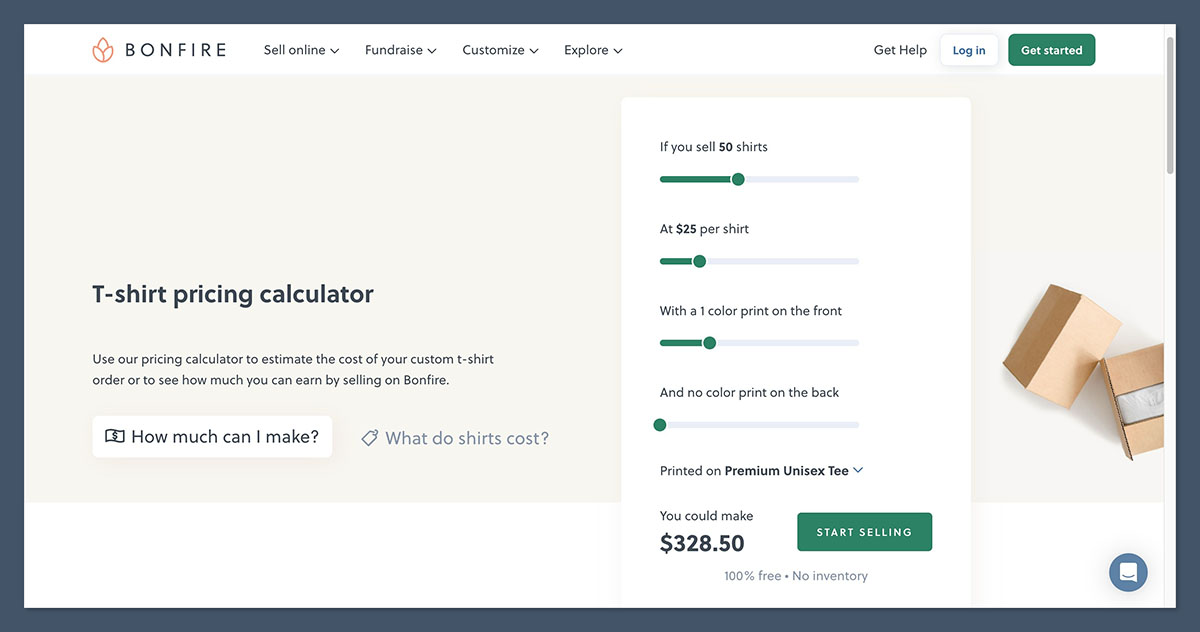
Bonfire is our campaign merch recommendation because standard processing sits inside the product base cost, with no subscription or platform percentage. It also collects US sales tax, leaving you to focus on the campaign’s product margin.
However, customer exports provide first names and last initials rather than complete buyer names. I recommend Fourthwall for an ongoing creator storefront and Bonfire for a focused merch drop or fundraiser.
Pros
- No subscription or platform percentage
- US sales tax collection
- Free design templates
- YouTube Merch Shelf and Linktree integrations
Cons
- Limited buyer names in exports
- Tiered shipping charges
- Payouts after campaign close
- Extra cost for Studio design help
Why Choose Bonfire in 2027?
Bonfire suits creators who prefer campaign-style merch over managing a permanent shop, especially those moving away from Spring. Our Bonfire vs Teespring and Printful vs Bonfire comparisons explain how that model differs from other merch options.
I recommend starting with the free templates before paying for Studio help, particularly for a fundraiser with a limited budget. Additional creative support for verified creators does not replace checking each product’s base cost.
My Bonfire testing notes
I worked from the template and profit-per-item view rather than the retail price alone, because base cost determines what each sale contributes. I also weighed the incomplete buyer names in exports, so make sure you check whether the available customer data meets your needs.
How Much Does Bonfire Cost?
| Plan | Monthly fee | Platform cut | Payment processing |
|---|---|---|---|
| Standard | $0 | 0%; product base cost deducted | Included in base cost |
| Bonfire Studio design help | No subscription; $49 or $99 one-time | n/a | n/a |
- Product base cost: Earnings equal selling price minus the selected product’s base cost, which includes standard payment processing.
- Shipping: Tier 1 delivery starts at $5.99, plus $3 per additional product. A $28 item therefore starts at $33.99 delivered before applicable tax.
- Extra donations: Optional donations added by buyers carry a small processing charge separate from the merch margin.
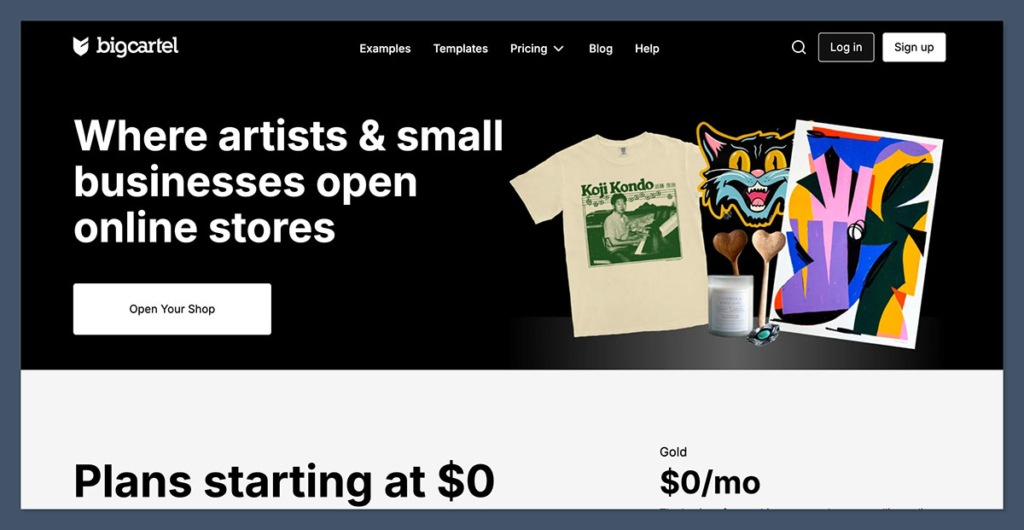
4. Big Cartel: Best for Tiny Handmade Shops
- Big Cartel pricing: Gold: $0; Platinum: $15; Diamond: $30 per month
- Platform cut: 0%; Gold includes 5 product listings
- Payout: Directly to your Stripe or PayPal
- Read our Big Cartel review for more information
Big Cartel is our pick for tiny handmade shops because Gold lets you sell a small collection without a subscription or platform commission. You retain the proceeds after processing, then cover your own materials and fulfillment.
However, the free catalog allowance makes expansion a paid decision, and Big Cartel does not make or ship your products. Fourthwall or Bonfire is a better fit if you want print-on-demand fulfillment rather than managing stock yourself.
Pros
- Free Gold plan
- No platform commission
- Card and PayPal payments
Cons
- Small free catalog allowance
- Paid upgrade for catalog expansion
- Seller-managed fulfillment
- No membership-focused setup
Why Choose Big Cartel in 2027?
Big Cartel suits artists who already make their own stock and need a storefront rather than a print supplier. Its larger remainder in the tee comparison still needs materials and delivery deducted before you compare margins.
If your collection is likely to outgrow Gold, our Big Cartel vs Shopify comparison covers the step up to a larger store builder. I would plan that expansion before building a catalog around the free allowance.
My Big Cartel testing notes
I treated Gold’s listing allowance as a launch-planning constraint before connecting payments, rather than fitting the catalog around it afterward. I recommend avoiding combined listings for unrelated products, so make sure you plan separate listings for items that need them.
How Much Does Big Cartel Cost?
| Plan | Monthly fee | Platform cut | Payment processing |
|---|---|---|---|
| Gold: 5 products | $0 | 0% | Stripe or PayPal rates |
| Platinum: 50 products | $15 per month | 0% | Stripe or PayPal rates |
| Diamond: 500 products | $30 per month | 0% | Stripe or PayPal rates |
- Processing: Standard Stripe US card pricing is approximately 2.9% + $0.30. PayPal charges vary by payment method; card processing is 2.99% + $0.49.
- Making and shipping: A $28 sale leaves approximately $26.89 after the illustrated Stripe fee, before materials and fulfillment.
- Catalog expansion: Gold stops at 5 products, so a 6th distinct listing requires a paid plan rather than another transaction fee.
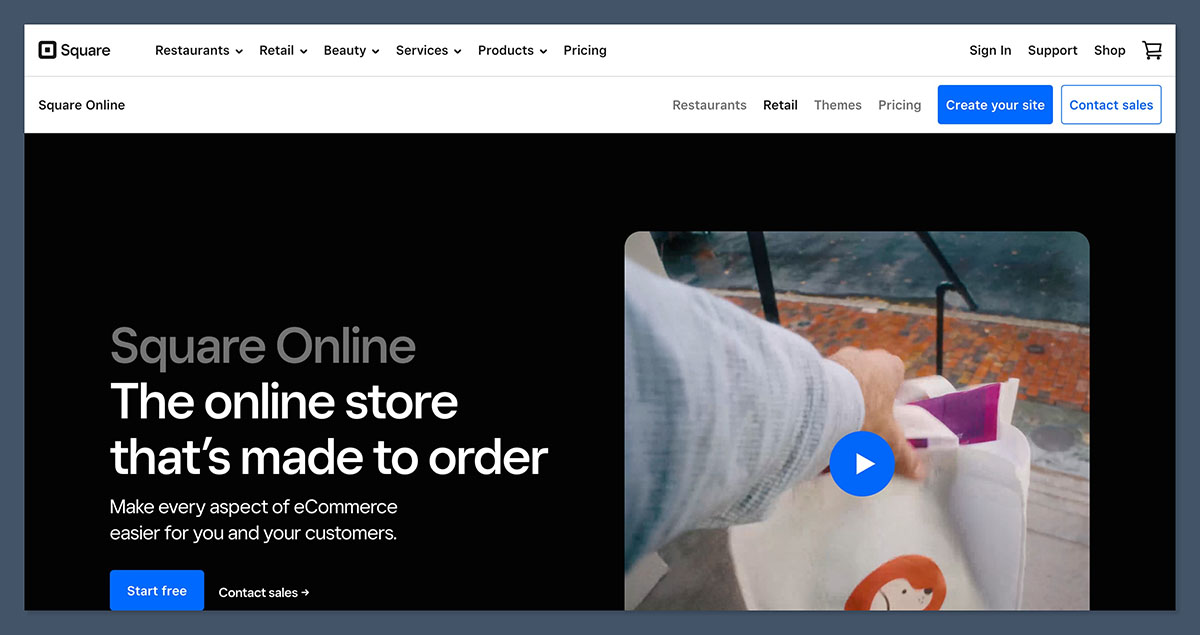
5. Square Online: Best for In-Person Sellers
- Square Online pricing: Free: $0; Plus: $49; Premium: $149 per month
- Platform cut: None beyond processing; Free online payments cost 3.3% + $0.30
- Payout: Free standard bank transfers
- Read our Square Online review for more information
Square Online is our recommendation for in-person sellers because the same Square account supports your online shop and event sales. Its Free plan avoids a subscription, making it a practical starting point for markets or conventions.
However, Free online processing costs a little more than Stripe’s standard US card rate, and the storefront displays a Square ad. Fourthwall is my stronger merch-first recommendation if tax handling matters more than selling through a card reader.
Pros
- No separate platform transaction fee
- Connected online and in-person selling
- Free standard bank transfers
Cons
- Higher Free-plan online processing
- Square ad on Free storefronts
- Paid plan required for custom domains
- Limited focus on creator memberships
Why Choose Square Online in 2027?
Square’s connected selling system matters more if you split your business between a convention table and an online storefront. An online-only creator gets less benefit and should compare processing costs more closely.
I would not upgrade solely for lower processing until the saving covers the subscription, although custom-domain access is a separate reason to pay. Our Shopify vs Square Online comparison helps if you are considering a larger store builder.
My Square Online testing notes
I set up items sold both online and at events first, followed by the card-reader connection for in-person payments. I kept the Square ad in the decision because removing it requires a paid plan, so make sure you preview the storefront before committing.
How Much Does Square Online Cost?
| Plan | Monthly fee | Platform cut | Payment processing |
|---|---|---|---|
| Free | $0 | 0% beyond processing | Online: 3.3% + $0.30; in person: 2.6% + $0.15 |
| Plus | $49 per month | 0% beyond processing | Online: 2.9% + $0.30; in person: 2.5% |
| Premium | $149 per month | 0% beyond processing | Online: 2.9% + $0.30; in person: 2.4% |
- Upgrade threshold: Plus’s $49 subscription pays for itself through the 0.4-percentage-point online saving above approximately $12,250 in monthly online sales.
- Storefront upgrades: Custom domains require a paid plan starting at $49 per month, even if processing savings do not justify upgrading.
- Event payments: Free’s in-person rate applies to tap, dip, and swipe transactions.
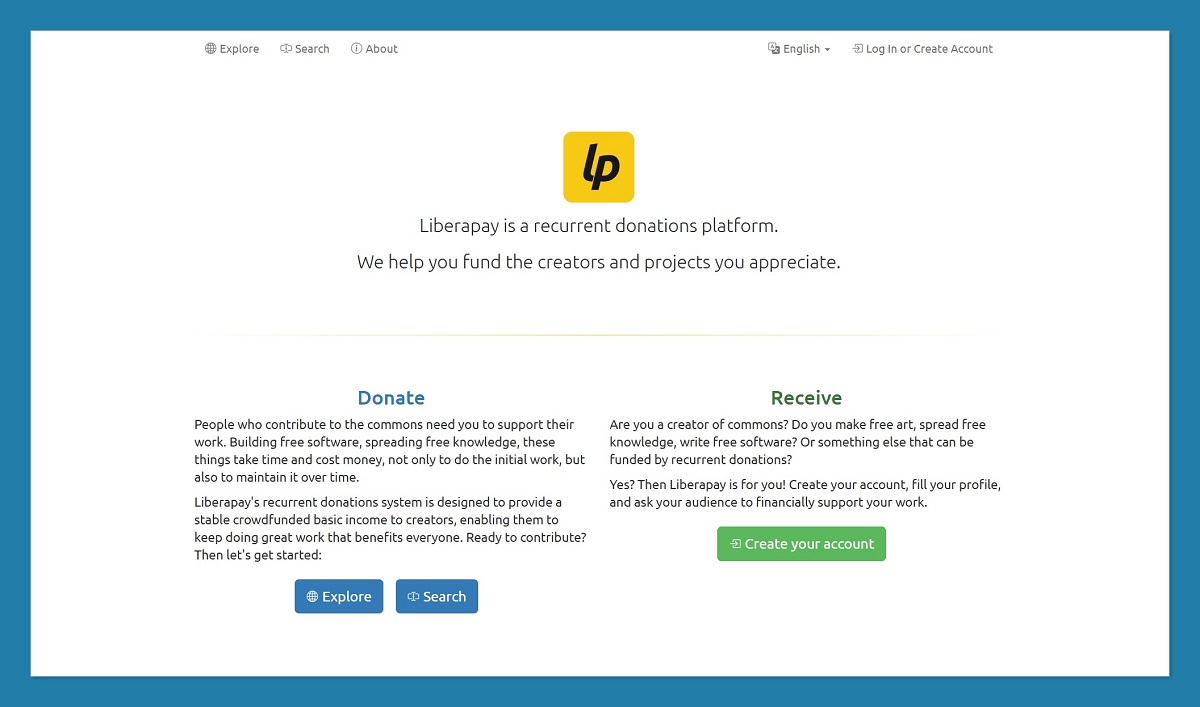
6. Liberapay: Best Nonprofit Donation Platform
- Liberapay pricing: $0 per month, with no paid upgrade
- Platform cut: 0% on donations; operations funded through voluntary donations
- Payout: Directly to your Stripe or PayPal
Liberapay is our nonprofit donation pick because recurring contributions reach your processor without a platform deduction. “Nonprofit” describes Liberapay’s organization, however, not the tax status of every creator receiving support.
That said, Liberapay is not a membership store and does not provide tiered rewards or a merch catalog. I recommend Ko-fi for one-off tips or Fourthwall for paid memberships with perks, accepting the latter’s membership fee.
Pros
- No platform percentage
- Direct Stripe or PayPal payments
- Prefunding for several weeks of support
Cons
- Incomplete support for one-time gifts
- No membership tiers or shops
- Per-donor weekly donation maximum
- Processing costs on contributions
Why Choose Liberapay in 2027?
Liberapay’s weekly donation structure suits ongoing work that supporters want to fund without receiving paid rewards in return. Donors can fund several weeks together to reduce the impact of fixed processing charges, though the donation-only approach limits your selling options.
My Liberapay testing notes
I started with the receiving payment account and donation goal, because Liberapay organizes recurring contributions rather than a product catalog. I treated the goal as an explanation of what support funds, so make sure you keep donation promises separate from paid membership benefits.
How Much Does Liberapay Cost?
| Plan | Monthly fee | Platform cut | Payment processing |
|---|---|---|---|
| Single plan | $0 | 0% | About 3% with Stripe or 5% with PayPal on average |
- Processing: These averages are not guaranteed rates for every donation, and no subscription removes the processor’s charges.
- Platform funding: Voluntary donations support Liberapay itself instead of a mandatory percentage deducted from recipient income.
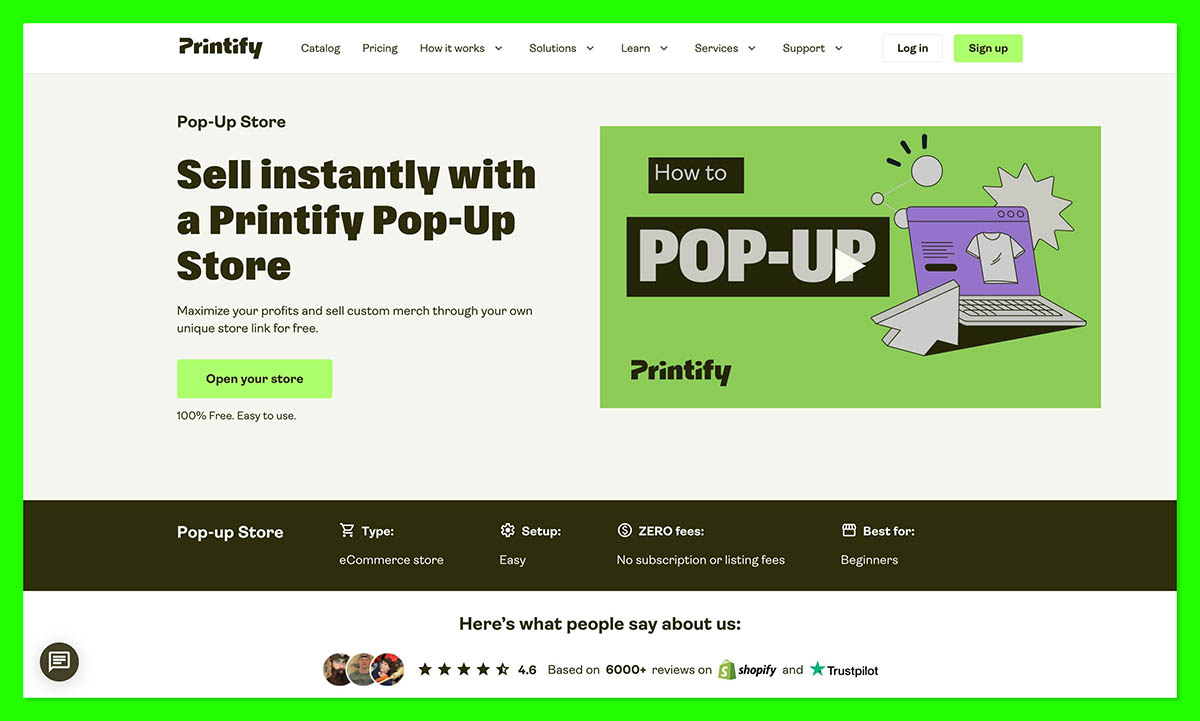
7. Printify Pop-Up Store: Best for Minimal-Setup Print on Demand
- Printify pricing: Free: $0; optional Premium: $39 per month, or $24.99 per month billed annually
- Platform cut: No platform or listing fee; production and processing still apply
- Payout: Monthly on the 15th with no minimum; first payouts face a 7-day Stripe hold
- Selling restrictions: USD only; no change-of-mind returns; damaged-item claims within 30 days
Printify Pop-Up Store is our minimal-setup print-on-demand pick because it provides a hosted storefront without upfront production costs or a required subscription. Its catalog supplies the products, so you do not need your own inventory.
However, Printify does not publish the Pop-Up processing percentage, making exact margin comparisons less straightforward. I recommend Fourthwall overall for clearer fees and merchant-of-record tax handling; our Fourthwall vs Printify comparison explains the differences.
Pros
- No platform or listing fee
- No payout minimum
- Custom-domain connection
- Optional Premium product discounts
Cons
- Unpublished processing percentage
- USD-only selling
- Initial Stripe payout hold
- No change-of-mind returns
Why Choose Printify Pop-Up Store in 2027?
Printify offers a replacement route for small merch sellers affected by Spring’s retirement, with fewer store-design decisions before publishing. Its fixed layout limits presentation control, so I recommend it for a compact range rather than detailed storefront customization.
Choose it for the hosted workflow, not an assumption that no platform fee guarantees a larger margin than Fourthwall or Bonfire. For another hosted option, see Printful Quick Stores vs Printify Pop-Up Store.
My Printify Pop-Up Store testing notes
I focused on product selection and publishing to the Pop-Up storefront rather than treating Premium as a requirement for launching. The fixed layout matters before you use it as your main shop link, so make sure you check the storefront preview before committing.
How Much Does Printify Pop-Up Store Cost?
Premium buys product discounts rather than an exemption from processing, so compare your chosen products’ savings with the subscription.
| Plan | Monthly fee | Platform cut | Payment processing |
|---|---|---|---|
| Free | $0 | 0% platform fee | Deducted per sale; rate not published |
| Premium | $39 per month, or $24.99 per month billed annually | 0% platform fee; up to 20% off products | Same processing arrangement |
- Order deductions: Earnings equal sales minus processing, production, shipping, and any tax Printify charges.
- Tax responsibility: You handle your own tax compliance. If the margin cannot cover tax charged by Printify, the order is canceled and refunded.
- Cash flow: Previous-month earnings are paid on the 15th without a minimum, subject to the initial Stripe hold. Check the dashboard’s payout breakdown before finalizing margins.
How Do I Choose the Right Creator Platform?
Choose around your largest income source, since fee exemptions apply to specific sale types rather than everything a platform supports. Ko-fi’s free tips do not make its shop sales cheaper than Fourthwall’s physical-product model.
For a broader feature comparison, see our guide to the best ecommerce platforms for creators. Before opening your store, answer these questions to separate a free subscription from an affordable selling model:
- What do I sell most? Start with your main income source rather than secondary features
- Does that sale type carry a platform fee? Separate it from processing and production
- Who handles sales tax and VAT? Check merchant-of-record coverage rather than assuming tax is included
- When can I access earnings? Compare payout schedules, minimums, and holds
- Who makes and ships my products? Include your fulfillment costs when comparing print-on-demand margins
- Will I outgrow the free catalog? Check listing allowances against your planned range
I do not recommend starting a new shop on Spring, which is being retired and directs creators toward Amaze Commerce. Our Teespring alternatives guide covers replacements, while Fourthwall vs Spring explains what changes when you move.
When Is Paying Monthly Cheaper?
A subscription becomes cheaper when the platform fees it removes exceed its price, assuming you compare equivalent sales.
| Upgrade | Monthly fee | What it removes | Sales level above which it saves money |
|---|---|---|---|
| Fourthwall Pro | $15 billed annually ($180 per year), or $19 billed monthly | 5% on digital products | $300 / $380 per month in undiscounted digital sales |
| Ko-fi Gold | $12 per month | 5% on shop sales, memberships, and commissions | $240 per month in qualifying sales |
| Stan Creator (not on our list) | $29 per month | Compared with a 5% platform | $580 per month |
| Stan Creator Pro (not on our list) | $99 per month | Compared with a 5% platform | $1,980 per month |
| Payhip Plus (not on our list) | $29 per month | Reduces Free’s 5% to 2% | About $967 per month |
| Payhip Pro (not on our list) | $99 per month | Removes Free’s 5% | $1,980 per month |
These thresholds compare subscriptions and platform percentages only; processing remains, features can differ, and costs are equal at the exact threshold. Fourthwall’s thresholds assume undiscounted sales because Free calculates download fees from list prices, so promotions require comparing actual fees avoided.
- Stan and Sellfy: Neither offers an ongoing $0 plan.
- Payhip: Free takes 5%, so it does not qualify.
- Sellfy: Starts at $29 per month with 0% platform fees, but Starter caps annual sales at $10,000.
I recommend checking Sellfy alternatives before choosing a subscription around an annual sales limit that your business may outgrow.
How We Test and Rank Creator Platforms
We tested 21 creator platforms, with 7 qualifying for this fee-first shortlist. We separate free-plan eligibility from take-home earnings rather than treating a free subscription as proof that every sale avoids platform charges.
Our ranking gives the largest weight to costs, while considering how quickly you receive earnings and what you can sell:
- Fees and take-home pay (35%): Platform percentages by sale type, processing charges, and product base costs
- Payouts and cash flow (20%): Payment schedules, minimum balances, payout charges, and holds
- Creator selling tools (20%): Supported income types and social selling integrations
- Ease of setup (10%): Product-listing and payout-connection workflows
- Tax handling (10%): Merchant-of-record coverage compared with seller-managed sales tax and VAT
- Reputation and support (5%): User feedback about payment problems and support responsiveness
| Excluded platform | Why it does not qualify |
|---|---|
| Gumroad | 10% + $0.50 on direct sales |
| Beacons | 9% on relevant Free-plan sales |
| Buy Me a Coffee | 5% on tips and other sales |
| Stan and Sellfy | No ongoing $0 plan |
Prices current as of October 2026.
Final Verdict: Which Creator Platform Do I Recommend?
Fourthwall remains our best overall pick because its free plan combines commission-free physical merch with sales tax and VAT handling. I recommend it for merch-led creators, although production and processing still reduce margins.
For tips, I recommend Ko-fi instead, while Bonfire suits campaign drops and Big Cartel fits a compact handmade collection. Price a real product or contribution with every deduction included, then check whether the payout schedule meets your cash-flow needs.
FAQs
Is there a creator platform with truly zero fees?
No platform here eliminates every selling cost, even when it charges neither a subscription nor a platform percentage. Ko-fi tips and Liberapay donations still incur processing, while print-on-demand platforms deduct product costs. Processing may sit inside the base cost rather than appear separately, so compare earnings rather than checkout totals.
Is Fourthwall really free?
Yes, Fourthwall has a free monthly plan without a platform percentage on physical merch or donations, but production and processing remain. Free downloads carry a platform fee, as do memberships on every plan. Pro removes the digital-product percentage, not the membership fee; check the pricing table for both billing options.
Do I have to collect sales tax or VAT myself?
Not for covered Fourthwall sales: it acts as merchant of record and handles US sales tax and EU/UK VAT. Your income-tax responsibilities remain, and other platforms handle transaction taxes differently. Bonfire collects US sales tax, while Printify Pop-Up leaves your tax compliance to you.
Can I still use Spring (Teespring)?
Spring is being retired and directs creators to Amaze Commerce, so I do not recommend it for a new storefront. Fourthwall is our recommendation for an ongoing creator merch business, while Bonfire suits campaign-style drops. Both have free monthly starting points, but product costs still reduce your earnings.
Can I get paid through PayPal?
Yes, Ko-fi, Big Cartel, and Liberapay can send payments to your connected PayPal account, while Fourthwall normally uses Stripe Connect. PayPal or bill.com may be available by request where Stripe is unavailable. Accepting PayPal at checkout does not enable PayPal payouts, and Fourthwall’s $25 minimum still applies.