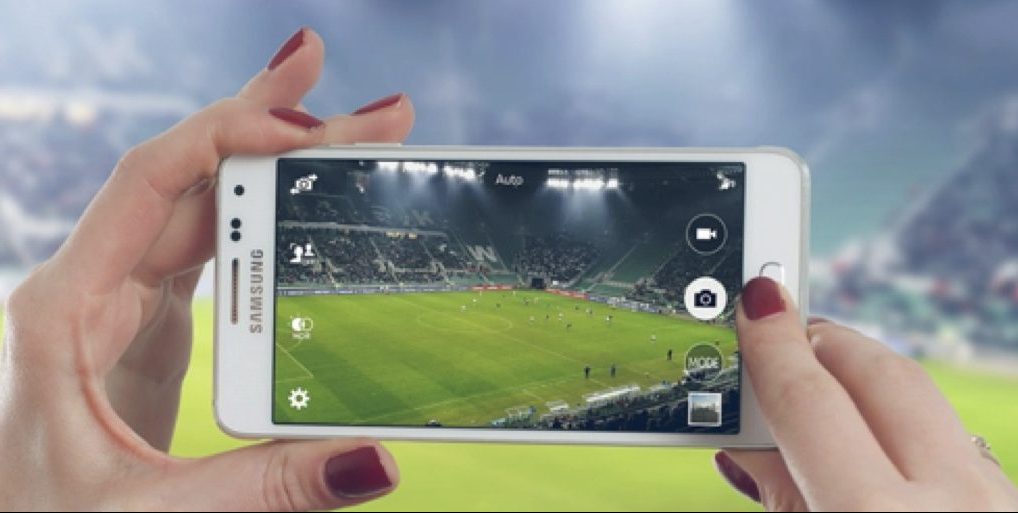
There are many events your business might stream, and it’s a smart way to expand your reach and find a larger audience. It also cuts your budget down if you make the event more virtual because it’s cheaper to run. Lots of companies set up live streams nowadays, but they almost always run into the same tech issues.

Bad Internet Connections
To be fair, most of the streaming issues are associated with bad internet connections, and this can include:
- Low upload speeds that lead to laggy streams
- Congestion from too many people using the same internet connection
- Serious packet loss that drops the framerate and makes the stream hard to watch
You can boil most of these common live streaming problems down to the same cause: using a non-dedicated internet connection. If you connect to the same internet that other people are using for other things, you’ll never get a great live-streaming experience. Instead, you need a separate wireless connection that keeps everything clean. Vislink does this with dedicated RF wireless video camera systems or 5G bonded cellular, but the idea is always the same: you run your stream on a completely separate connection from anything else.
This keeps the connection clear and means you don’t deal with bandwidth issues or slow upload speeds, which then improves the video quality and fluidity for people watching at home.
Wireless Signal Interference
When you stream an event, you usually have multiple wireless connections all pinging around the room at the same time. This can include microphones, transmitters from cameras, Bluetooth devices, and so on.
If you’re not careful, these devices send wireless signals that interfere with one another. You end up with strange noises coming through speakers, microphone distortion, etc. Even with the abundance of evolving tech solutions available, wireless signal interference will happen unless you actively try to stop it.
The solution is to bring in an expert who can coordinate all the different frequencies to ensure that there’s no interference. It’s one of those “behind the scenes” things nobody will know is happening, yet it could save your stream.
Remote Guest Challenges
Perhaps the most frustrating tech issue related to live-streamed events is any issue relating to remote participants. You may interview people who aren’t at the actual event, and this means you have to deal with their internet and tech problems.
They might have an awful camera with a terrible microphone – and internet that barely lets them say two words before there’s interference. How do you handle problems like this? Well, you can’t do much during the event, but you can run tests prior to it starting. Make sure any participants take part in a rehearsal a few days before, so you can see what their setup is like. You could possibly provide them with better audio/visual equipment and encourage them to avoid doing anything else while they’re on the call, which can free up bandwidth and deal with any connectivity issues.
Any type of the common live streaming problems have the potential to ruin a live-streamed event, but ones involving guests are always the most annoying. All you can do is plan for the worst so you have contingencies in place to deal with whatever comes your way.