
Choosing the right ecommerce platform as a YouTuber isn’t just about features or pricing. What matters most is how your platform connects to your channel and supports the way you sell, whether that’s through merch, digital downloads, coaching, or full-blown courses.
Some platforms are built for ease of use. Others are optimized for scaling a real business. And a few are specifically built to integrate with YouTube itself, unlocking tools like the product shelf under your videos or a storefront connected to your channel.
I spent time researching and comparing top ecommerce platforms to find the best options for YouTubers right now. Whether you’re just launching your first merch line or turning your channel into a full-time business, the list below should help you find the right match.
Key Takeaways
- Shopify is the strongest pick for creators building a scalable ecommerce brand beyond merch, with full YouTube Shopping support via Google Merchant Center.
- Spring remains the lowest-friction way to launch a first merch line, with no upfront cost and direct YouTube channel store support.
- For digital products, Gumroad is fastest to launch, while Sellfy gives you a more branded storefront and better long-term margins.
- Kajabi is purpose-built for creators monetizing through courses, coaching, or memberships rather than physical products.
- WooCommerce is the best fit if you already run a WordPress site and want full control over your store and content in one ecosystem.
- To qualify for YouTube Shopping affiliate features, your channel needs at least 10,000 subscribers, monetization enabled, and eligibility in a supported country.
Quick Comparison: Top 7 Ecommerce Platforms for YouTubers
| Platform | Best For | Starting Price (USD) | YouTube Shopping Integration | Highlights |
|---|---|---|---|---|
| Shopify | Scalable, long-term ecommerce brands | $39 per month | Yes | Advanced features, massive app store |
| Spring | Print-on-demand merch | Free to start | Yes | Supports YouTube shelf and channel store |
| Sellfy | Digital products and light merch | $22 per month | No | Clean creator-focused stores with email tools |
| Gumroad | Fast digital sales and simple checkout | Free, 10 percent fee | No | Low-friction setup, great for digital assets |
| Kajabi | Courses, memberships, and coaching | $149 per month | No | All-in-one creator business platform |
| WooCommerce | Advanced control with WordPress sites | Free plugin | No | Full flexibility for experienced users |
1. Shopify: Best for Building a Serious Brand

💰 Starting price: $39 per month
🛒 YouTube Shopping integration: Yes, with Google Merchant Center setup
📦 Built for: Scalable ecommerce businesses and full product catalogs
Shopify is the most advanced ecommerce platform on this list. It’s not just for creators—it’s used by massive ecommerce brands, but that’s also what makes it so powerful for YouTubers who want to build something bigger than just a merch drop.
What impressed me most during testing was how much you could do inside Shopify once you get past the initial setup. The dashboard feels professional, the tools are all there—abandoned cart recovery, product bundling, upsells, analytics—and the app store lets you extend your store in almost any direction.
If you’re already selling and ready to upgrade your systems, Shopify gives you the flexibility to build a long-term business. You’ll need to set up YouTube Shopping via Google Merchant Center, which takes a bit more time, but once connected, you get full access to the merch shelf, channel tab, Shorts placement, and livestream integration.
✔️ Pros
- Deep ecommerce functionality
- Supports hundreds of products and product types
- YouTube Shopping integration
- Scalable as your brand grows
- Best-in-class app ecosystem and integrations
❌ Cons
- Monthly cost adds up quickly with paid apps
- Steeper learning curve compared to creator-first tools
- Setup is more involved (Google Merchant Center + product feeds)
Recent updates from Shopify:
- Introduced AI assistant Sidekick to help build product pages, automate responses, and manage inventory
- Launched Shopify Magic, an AI text generator for product descriptions and customer emails
- Revamped checkout flow for mobile optimization and faster conversions
- Added native support for subscriptions and bundles without third-party apps
How Much Does Shopify Cost?
- Basic plan starts at $39 per month
- Advanced plans go up to $399 per month for more users, analytics, and automation
- Three-day free trial available, then $1/month for your first 3 months
- Standard transaction fee of 2.9% + 30¢ via Shopify Payments
- Google Merchant Center setup is free but requires verification and setup time
Why Use Shopify in 2026?
Shopify is ideal if you’re treating your YouTube channel like a business and want your store to reflect that level of professionalism. It’s made for brands that want to grow, scale, and eventually sell across multiple platforms. If you’re serious about ecommerce—not just merch—Shopify is the platform to build on.
Shopify is suitable for:
- YouTubers building a full ecommerce brand
- Creators selling more than just merch
- Businesses planning to scale to higher order volume
Shopify isn’t suitable for:
- Beginners looking for a quick setup
- Creators only planning to sell a few products
- Users who want a simplified, no-fuss storefront
2. Spring: Best for Simple Print-on-Demand Merch
💰 Starting price: Free to start
🛒 YouTube Shopping integration: Yes
📦 Built for: Creators launching their first merch lines
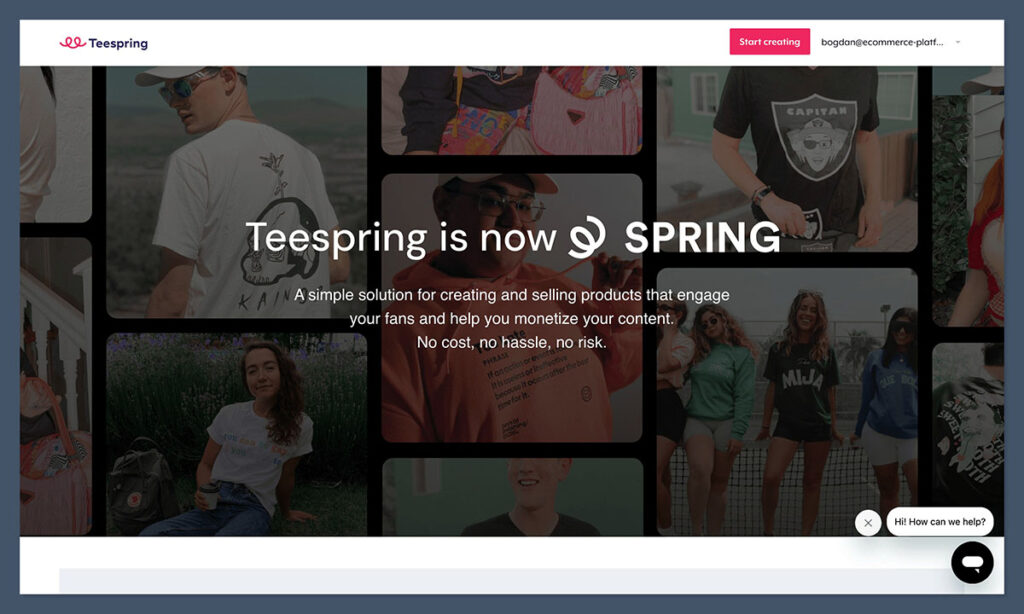
Spring (formerly Teespring) is a familiar name in the YouTube merch world. It’s free to use, requires no upfront investment, and connects directly to your channel for product shelf integration, channel stores, Shorts, and livestreams.
The big win here is simplicity. You don’t need to manage inventory, logistics, or fulfillment. Just choose your products, upload designs, and Spring takes care of the rest. You only earn a profit once an item sells, which makes it easy to test out ideas without risk.
Compared to newer platforms like Fourthwall, Spring has a larger base of creators and product options, but its dashboard and design tools feel more basic. Still, for YouTubers who want merch on their channel without complications, Spring gets the job done.
✔️ Pros
- Free to use
- Full YouTube Shopping integration
- No inventory or upfront costs
- Supports a wide variety of product types
❌ Cons
- Branding and design tools are limited
- Profit margins vary by product and may be lower than expected
- Customization options are basic
Recent updates from Spring:
- Improved product visibility across YouTube Shorts and Lives
- Expanded their creator support tools and success dashboard
- Added more sustainable product options and expanded fulfillment to new regions
- Created automated integration guides inside YouTube Studio
How Much Does Spring Cost?
- Free to sign up and sell
- You set your own prices above Spring’s base cost per item
- Spring keeps the base cost, and you keep the margin
- No monthly fees, just standard payment processor fees on sales
Why Use Spring in 2026?
If you want to sell merch with zero upfront cost and full YouTube integration, Spring is one of the easiest ways to do it. You don’t need to know anything about ecommerce. It’s quick, simple, and built to work inside the YouTube platform.
Spring is suitable for:
- First-time creators launching merch
- YouTubers who want simple YouTube Shopping support
- Creators who don’t want to handle operations or design complexities
Spring isn’t suitable for:
- Creators who want full control over store branding
- Anyone selling digital products or courses
- Businesses with complex product catalogs
3. Sellfy: Best for Selling Digital Products with Branding Control
💰 Starting price: $22 per month (billed annually)
📦 Built for: Digital product sales and light merch
🛒 YouTube Shopping integration: No
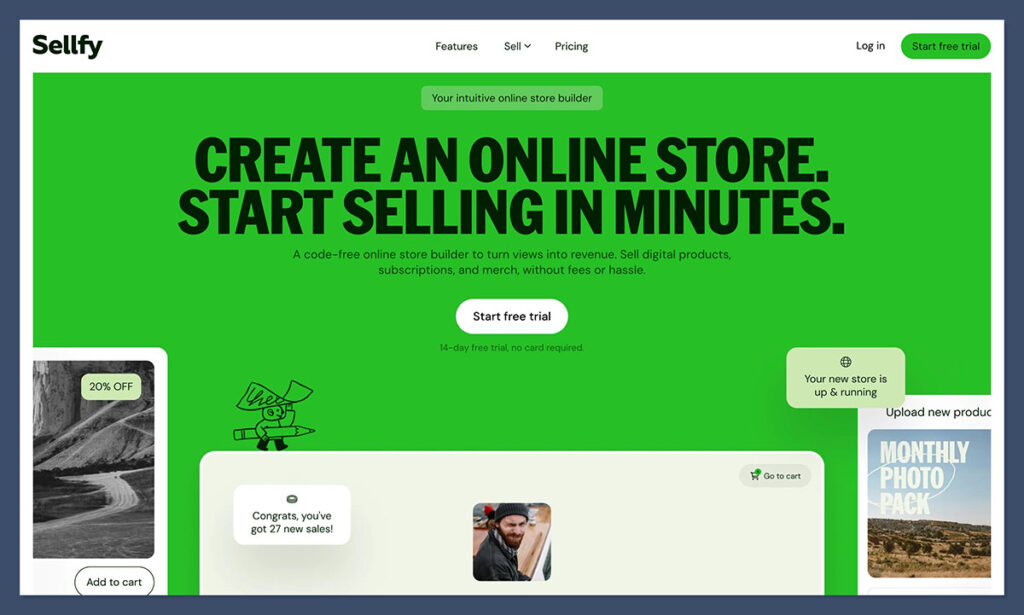
Sellfy is a clean, creator-friendly ecommerce platform built for selling digital products, physical items, and even subscriptions. I found the setup fast, the editor easy to use, and the storefronts surprisingly sleek. It offers a more “store-like” feel compared to Gumroad, which is helpful if you want branding control.
Unlike free tools that charge a percentage of each sale, Sellfy works on a monthly subscription model. That makes it more predictable for creators who are expecting regular traffic or sales from their YouTube audience.
Email marketing, discount codes, and product upsells are all built-in, which means you don’t need to integrate other tools just to run campaigns.
✔️ Pros
- Clean, customizable storefronts
- Ideal for digital downloads and light physical products
- Built-in marketing and email automation
- Predictable monthly pricing
❌ Cons
- No direct integration with YouTube Shopping
- Not suited for high-volume physical product stores
- More expensive than free platforms if you’re not selling consistently
Recent updates from Sellfy:
- New email automations for abandoned carts and product launches
- Mobile-optimized product pages for faster checkout
- Added support for EU VAT and digital goods tax compliance
- Now supports Stripe, PayPal, and Buy Now Pay Later
How Much Does Sellfy Cost?
- Starter plan: $22 per month (billed annually)
- Business plan: $59 per month
- No transaction fees, but payment processors still take standard rates
- Includes digital downloads, subscriptions, merch, and analytics
Why Use Sellfy in 2026?
If you want a more branded store for selling templates, LUTs, eBooks, or even some merch, Sellfy gives you a great balance of design control and simplicity. It’s best for creators who are already making consistent sales or want to start building a more professional storefront.
Sellfy is suitable for:
- Creators selling digital assets or print files
- Users who want a clean, professional storefront
- Creators who want email tools without extra integrations
Sellfy isn’t suitable for:
- Beginners testing their first product
- Users who need YouTube Shopping integration
- Large ecommerce brands or complex logistics
4. Gumroad: Best for Selling Digital Products Fast
💰 Starting price: Free to start, 10% platform fee per sale
📦 Built for: Instant digital product delivery
🛒 YouTube Shopping integration: No
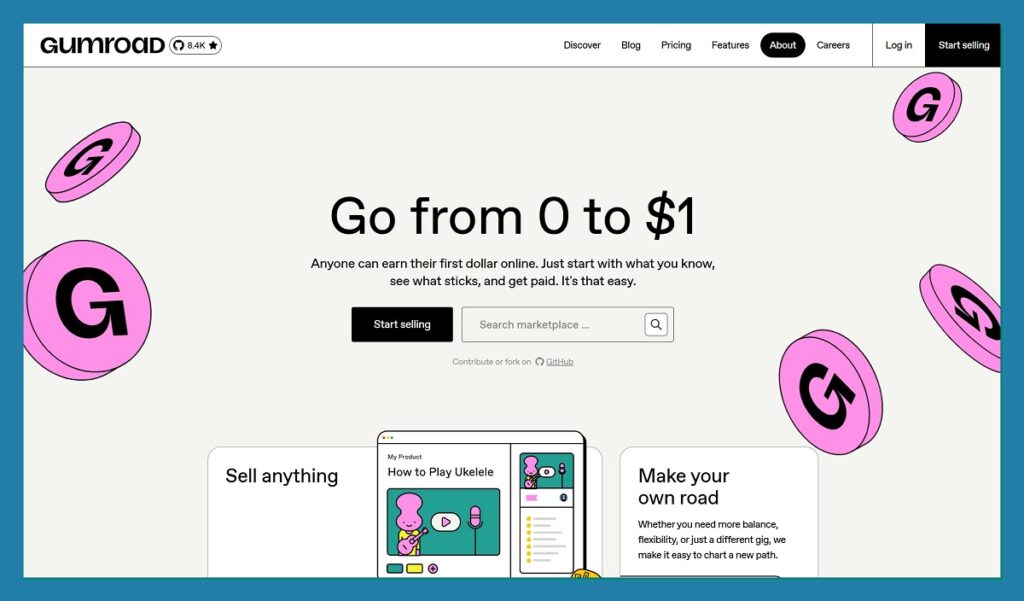
Gumroad is probably the fastest way to start selling digital products. You upload your file, add a title, price it, and start selling within minutes. It doesn’t get simpler than that. If your YouTube audience is already warm and ready to buy, you can link straight from your video description and start making sales almost instantly.
It’s not built for store branding or long-term scaling, but it’s excellent for testing an idea or launching a small digital product. If you’re okay with Gumroad taking 10 percent of each sale, and you want zero maintenance, this is an ideal starting point.
✔️ Pros
- Zero upfront cost
- Instant setup and publishing
- Perfect for one-off digital products
- Accepts global payments
❌ Cons
- 10% platform fee on all sales
- Limited branding and customization
- Not suitable for physical products or scaling
Recent updates from Gumroad:
- Expanded support for USD, GBP, and EUR currency handling
- New landing page builder for product-specific promotions
- Added payout options for more global creators
- Improved analytics dashboard with referral tracking
How Much Does Gumroad Cost?
- Free to join
- Platform keeps 10% of every sale
- You also pay payment processor fees (around 2.9% + $0.30 per sale)
- No hidden fees or paid plans
Why Use Gumroad in 2026?
Gumroad is the easiest way to start selling digital content to your audience. It’s frictionless, fast, and ideal for creators who don’t need fancy branding or advanced ecommerce features. For testing product ideas or selling to a warm YouTube audience, it works really well.
Gumroad is suitable for:
- YouTubers selling guides, presets, or digital downloads
- Creators launching their first paid product
- Channels with high viewer trust and direct traffic
Gumroad isn’t suitable for:
- Users who want to scale or build a full storefront
- Anyone selling physical products
- Creators who need YouTube Shopping support
5. Kajabi: Best for Courses, Coaching, and Memberships
💰 Starting price: $149 per month (billed annually)
📦 Built for: Course creators, coaches, and knowledge-based businesses
🛒 YouTube Shopping integration: No
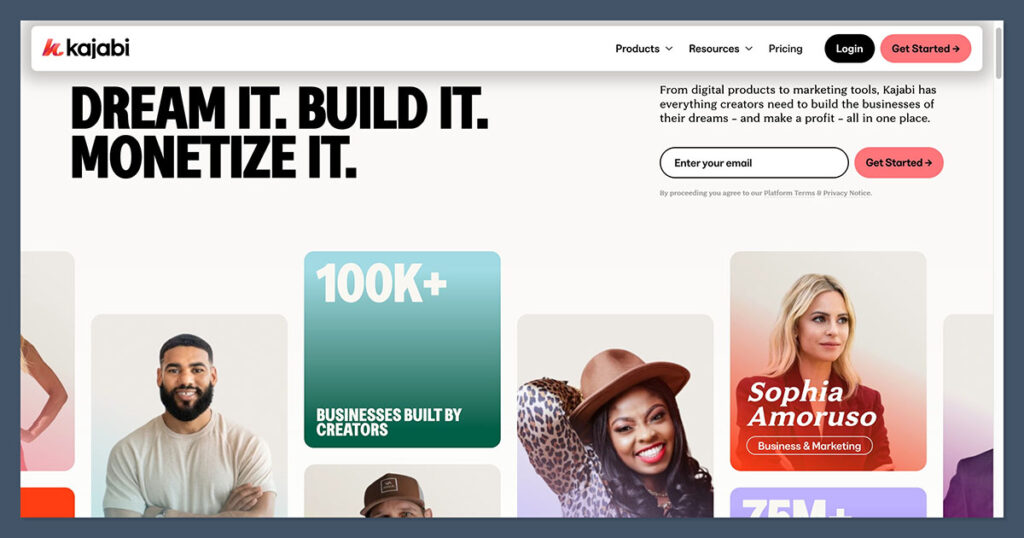
Kajabi is a premium platform for YouTubers who want to build a business around education, transformation, or community—not just physical or digital products. It’s designed to help you create and sell online courses, run coaching programs, manage memberships, and even build a private community—all from one central dashboard.
What stood out to me while testing Kajabi was how consolidated everything felt. Instead of stitching together five different tools for emails, landing pages, video hosting, and checkout, Kajabi offers it all in one place. The onboarding process was clear, the templates were polished, and the email marketing flows were powerful but not overwhelming.
Kajabi is more expensive than other platforms on this list, but if your monetization strategy is built around long-form transformation, it’s worth the investment. It’s not a merch platform. It’s for creators selling outcomes—like fitness programs, digital bootcamps, or paid video courses.
✔️ Pros
- All-in-one platform for courses, coaching, and memberships
- Built-in email marketing and automation
- Polished templates for landing pages and sales funnels
- Hosting included, no third-party tools needed
❌ Cons
- Higher monthly cost compared to most alternatives
- No physical product or merch support
- Doesn’t integrate with YouTube Shopping
Recent updates from Kajabi:
- New “Communities” feature lets creators build private group spaces
- Improved analytics dashboard with customer lifetime value tracking
- Kajabi Mobile App support for iOS and Android users
- AI writing assistant now built into page builder and email composer
How Much Does Kajabi Cost?
- Basic plan starts at $149 per month (billed annually)
- Growth plan: $199 per month, adds more automations and admin users
- Pro plan: $399 per month, for advanced teams and agencies
- No transaction fees on sales
- Includes hosting, email tools, funnels, CRM, and analytics
Why Use Kajabi in 2026?
Kajabi is the best option if you’re turning your YouTube channel into a serious business based on transformation—whether that’s learning a skill, joining a program, or becoming part of a premium community. It’s an all-in-one suite that lets you deliver content, market to your audience, and build long-term relationships, without juggling separate tools.
Kajabi is suitable for:
- YouTubers selling courses, group coaching, or digital programs
- Channels focused on education, consulting, or personal growth
- Creators ready to consolidate tech tools into one system
Kajabi isn’t suitable for:
- Merch or physical product sales
- Beginners testing small product ideas
- Users needing YouTube Shopping integration
6. WooCommerce: Best for WordPress Users Who Want Full Control
💰 Starting price: Free plugin (extra costs for hosting, extensions, and themes)
📦 Built for: Custom ecommerce on WordPress websites
🛒 YouTube Shopping integration: No
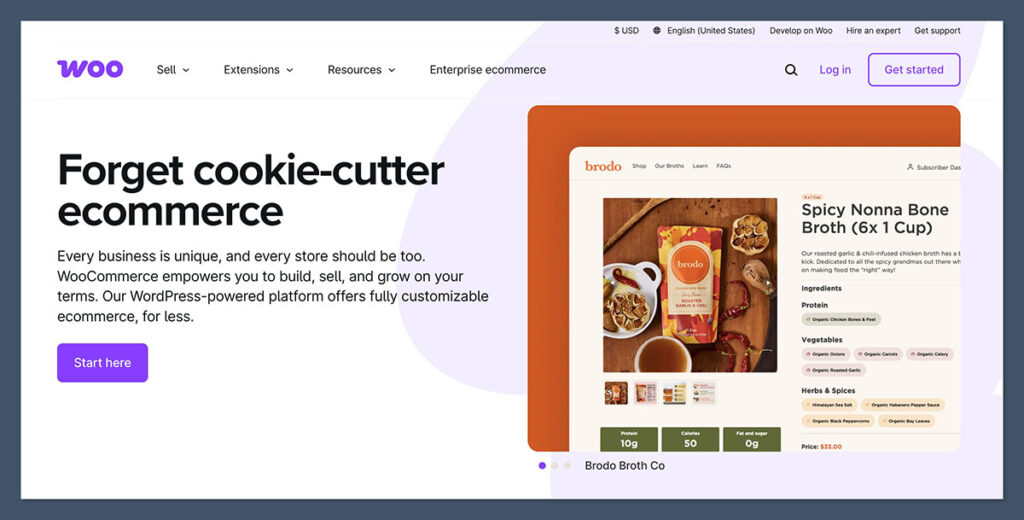
WooCommerce is the go-to ecommerce solution for anyone running a WordPress site. It’s open-source, endlessly flexible, and completely customizable—but it does come with more responsibility. If your channel already links to a WordPress blog or site, and you want to keep everything in the same ecosystem, WooCommerce gives you that control.
During testing, I found WooCommerce powerful but not for the faint of heart. You’ll need to manage plugins, themes, hosting, and updates. But in exchange, you get total control over your checkout flow, product types, SEO, and marketing integrations.
WooCommerce works particularly well for creators who publish content beyond YouTube, such as blog posts, reviews, or tutorials, and want ecommerce baked into that same experience. Just be aware that YouTube Shopping does not support direct integration with WooCommerce.
✔️ Pros
- Complete control over your store and site
- Free to use at the core (open-source plugin)
- Works well with content-heavy WordPress sites
- Huge library of themes and extensions
❌ Cons
- Requires hosting, maintenance, and updates
- Can be overwhelming for non-technical users
- No native YouTube Shopping integration
Recent updates from WooCommerce:
- WooCommerce Payments now supports subscriptions and installment payments
- New onboarding wizard streamlines product setup and theme selection
- AI product description generator added via plugin
- Improved reporting and analytics dashboards available in WooCommerce Admin
How Much Does WooCommerce Cost?
- Core plugin is free
- Hosting: $10 to $30 per month (or more for larger sites)
- Themes: Many free, but premium themes can range from $50 to $100
- Extensions: Some are free, others cost $50 to $300 depending on functionality
- Payment processing through Stripe, PayPal, or WooCommerce Payments (2.9% + $0.30 per transaction)
Why Use WooCommerce in 2026?
WooCommerce is the best choice if you’re already running a WordPress site or want maximum customization and control. You can design every element of your store, manage your content and ecommerce in one place, and use plugins to match your exact business model. It’s a more advanced setup, but for creators who already live in WordPress, it’s a natural fit.
WooCommerce is suitable for:
- YouTubers with an existing WordPress site
- Creators selling a mix of content and products
- Users comfortable managing plugins, hosting, and themes
WooCommerce isn’t suitable for:
- Beginners or creators who need fast setup
- Users looking for YouTube Shopping integration
- Creators wanting an all-in-one dashboard with no maintenance
How to Choose the Best Ecommerce Platform as a YouTuber
Not all platforms are built for the same kind of creator. Choosing the right one depends on what you sell and how you sell it.
If you want merch under your videos:
Use Spring for fast setup and YouTube integration.
If you’re building a brand beyond YouTube:
Use Shopify for its scalability and deep ecommerce features.
If you sell digital downloads or assets:
Start with Gumroad, then graduate to Sellfy for better control.
If you offer coaching or courses:
Use Kajabi to consolidate your tools into one business hub.
If you already have a WordPress site:
Install WooCommerce to keep everything under one roof.
No matter which platform you choose, the most important thing is to start. You can always upgrade or switch later as your channel and audience grow.
What works for you at 1,000 subscribers might not serve you when you hit 100,000, and that’s okay. Begin with the simplest tool that supports your current goals, test your offer, and get feedback. The sooner you get a product in front of your viewers, the faster you’ll learn what sells—and what doesn’t.
Our Testing Methodology
I evaluated these ecommerce platforms over six weeks, focusing specifically on how well each one serves YouTubers rather than general ecommerce use cases. Every platform was tested from a creator’s perspective: setting up a store, connecting it to a YouTube channel where possible, uploading sample products, and walking through the buyer experience end to end.
| Criteria | What We Evaluated |
|---|---|
| YouTube integration | Native Product Shelf support, channel store availability, Shorts and livestream tagging, and setup complexity |
| Creator fit | How well the platform handles the mix of merch, digital products, and memberships that most YouTubers sell |
| Pricing transparency | Actual cost at 10, 100, and 1,000 sales per month, including platform fees, payment processing, and required add-ons |
| Setup and ease of use | Time from signup to first live product, dashboard clarity, and onboarding quality |
| Branding and storefront control | Design customization, domain options, and how professional the final storefront looks |
| Scalability | Whether the platform supports a creator growing from 1,000 to 100,000 subscribers without forced migration |
| Support and operations | Fulfillment handling, customer service quality, and tax compliance including Merchant of Record status where applicable |
Platforms that failed on at least two criteria were excluded from this list, even if they ranked well in general ecommerce reviews. The focus throughout was answering one question: if a YouTuber started today, which platform would give them the fastest path to sustainable revenue without locking them out of future growth?
Final Verdict: Which Platform Should You Choose?
There isn’t one platform that wins for every creator. The right pick depends on what you sell, how big your channel is, and how much operational work you want to take on.
Best for scaling a real ecommerce brand: Shopify. If your ambition goes beyond the YouTube audience, Shopify is built to grow with you into a full commerce business with the deepest feature set on this list.
Best for a first merch drop with zero cost: Spring. Still the simplest way to put merch under your videos with no upfront spend and native YouTube integration.
Best for selling digital products: Gumroad to start, Sellfy as you grow. Gumroad gets you live in minutes; Sellfy gives you better margins and a real storefront once sales are consistent.
Best for courses, coaching, and memberships: Kajabi. If your YouTube content leads to a paid program rather than physical products, Kajabi consolidates everything you need in one place.
Best for creators already on WordPress: WooCommerce. Full control, unlimited customization, and content-plus-commerce in the same ecosystem.
Most YouTubers starting today will get the best results from Spring for merch, layered with Gumroad for a quick digital product. You can always migrate later, so pick the platform that removes friction from launching your first product this week.
Frequently Asked Questions
How many subscribers do I need before I can sell products on YouTube?
You can sell products linked from your video descriptions at any subscriber count. To unlock native YouTube Shopping features like the product shelf and channel store, you need at least 10,000 subscribers, an active monetized channel, and eligibility in a supported country. Some platforms like Spring have lower thresholds for instant onboarding, and most creators below the YouTube Shopping threshold can still sell through direct links.
Does YouTube take a cut of my ecommerce sales?
No. YouTube doesn’t take a commission on products you sell through your own integrated store, whether that’s Shopify, Spring, or any other platform. You keep the full margin set by your platform. YouTube only takes revenue share on content monetization like ads and channel memberships, not on your merch or digital product sales.
Can I use more than one ecommerce platform at the same time?
Yes, and many YouTubers do. It’s common to run Spring for merch, Gumroad for quick digital downloads, and Kajabi for a paid course. The tradeoff is fragmented analytics and multiple dashboards to manage. If you’re just starting out, pick one and add more only when you have a clear reason.
What’s the difference between YouTube Shopping and a regular store link in the description?
A store link in the description sends viewers off YouTube to your website. YouTube Shopping surfaces your products natively under videos, in the channel store tab, on Shorts, and during livestreams, without viewers leaving the platform. Native integration typically converts better because there’s less friction, but it requires one of the supported platforms like Shopify or Spring.
Do I need an LLC to sell merch on YouTube?
Not technically. You can sell as a sole proprietor in most countries, and platforms like Spring handle the tax paperwork as Merchant of Record on their catalog products. That said, many creators set up an LLC or equivalent entity once sales become consistent to separate personal and business finances and protect themselves from liability. Check with an accountant in your country before making that decision.
Which platform is cheapest for a creator with under 10,000 subscribers?
Free-to-start platforms like Spring and Gumroad cost nothing until you make a sale, which makes them the safest starting point for smaller channels. Shopify and Kajabi charge monthly fees regardless of sales volume, so they make more sense once you have predictable revenue. The cheapest option in absolute terms depends on what you sell: Gumroad wins for occasional digital products, and Spring wins for low-volume merch.
Can I switch platforms later without losing customers?
Mostly yes. Customer lists, product designs, and digital files can be migrated between platforms manually. What you generally can’t transfer is subscription or membership billing history, which means active members may need to re-subscribe on the new platform. Most creators handle this with a launch discount and clear communication. Shopify and Kajabi offer dedicated migration support for moving from another platform.
Do I need to handle shipping and customer service myself?
Only if you choose to. Spring and most print-on-demand integrations on Shopify handle manufacturing, shipping, and customer support for you. Spring also acts as Merchant of Record, which means it handles tax calculation and remittance. If you’d rather stay focused on content, pick a platform that takes operations off your plate.